
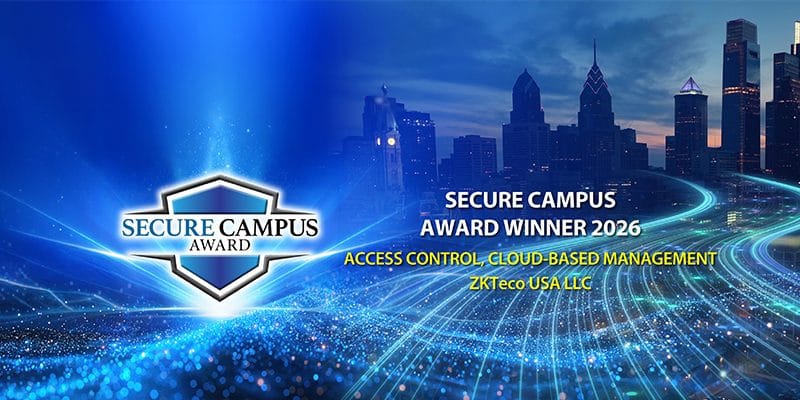
ZKTeco’s Certus Cloud Access Control Wins 2026 Secure Campus Award
Overview: ZKTeco USA’s Certus cloud access control platform has received a 2026 Secure Campus Award. We look at the capabilities recogn...

Contactless access control is no longer just about convenience. For modern workplaces, gyms, warehouses, apartments and vehicle entrances, it offers a cleaner, faster and more flexible way to manage who can enter — without relying only on physical keys or cards.
Access Control has moved far beyond swipe cards and metal keys.
Today, many New Zealand businesses want a cleaner, faster and more flexible way to manage entry across doors, gates, barriers, turnstiles and restricted areas. A contactless access control system allows authorised users to gain access without physically touching a keypad, handing over a tag, or relying on traditional keys.
For some sites, that means facial recognition at the front door.
For others, it may mean palm recognition for hygiene-sensitive areas, QR code access for visitors, mobile credentials for staff, or long-range UHF readers for vehicle gates and barriers.
At NZTeco, we supply contactless access control solutions using ZKTeco and Armatura technologies, helping businesses choose the right method for each entry point rather than forcing one technology across the whole site.
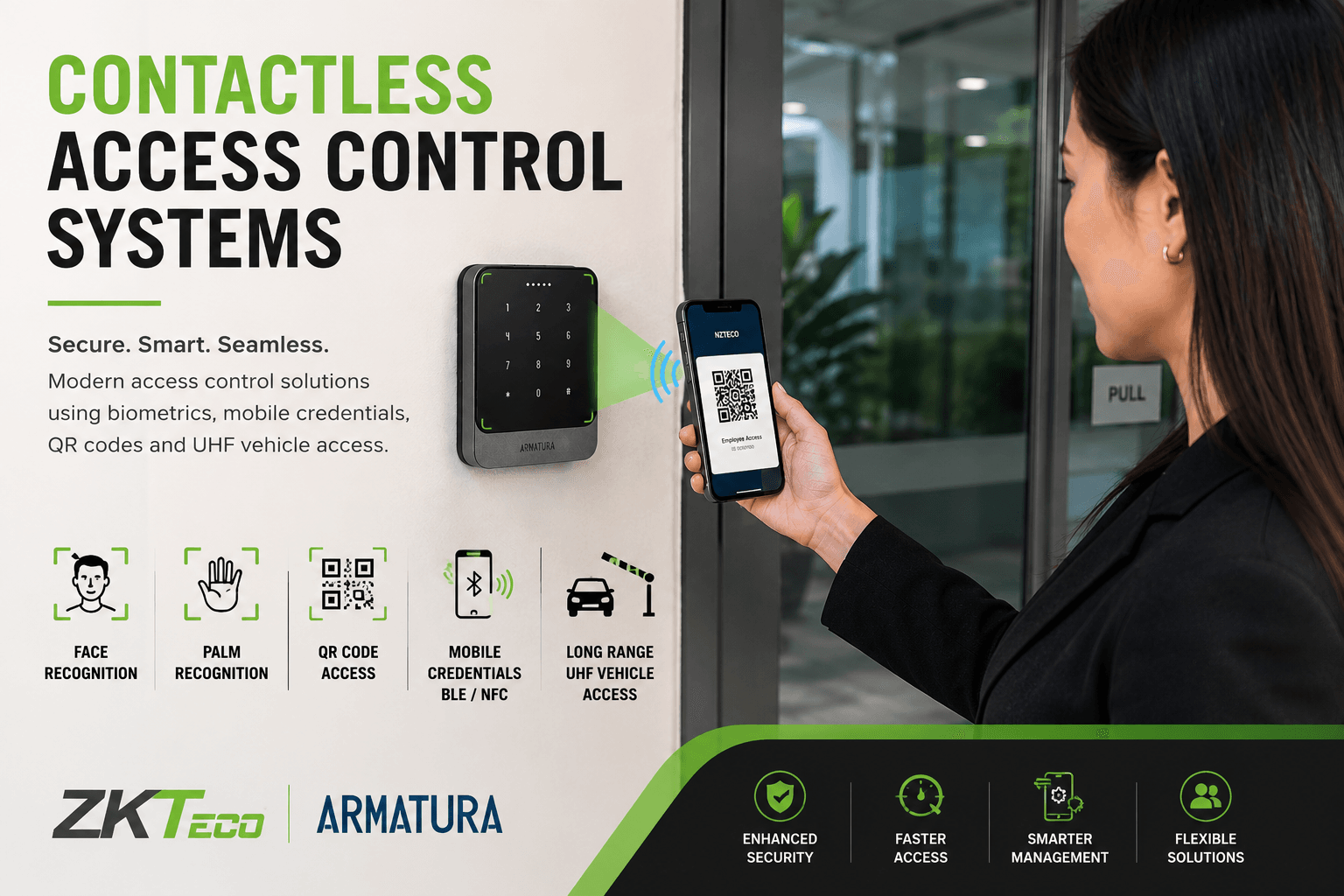
A contactless access control system allows people or vehicles to be verified without direct physical contact with the reader.
Instead of inserting a key, pressing a PIN pad, or swiping a card, users can be identified through technologies such as:
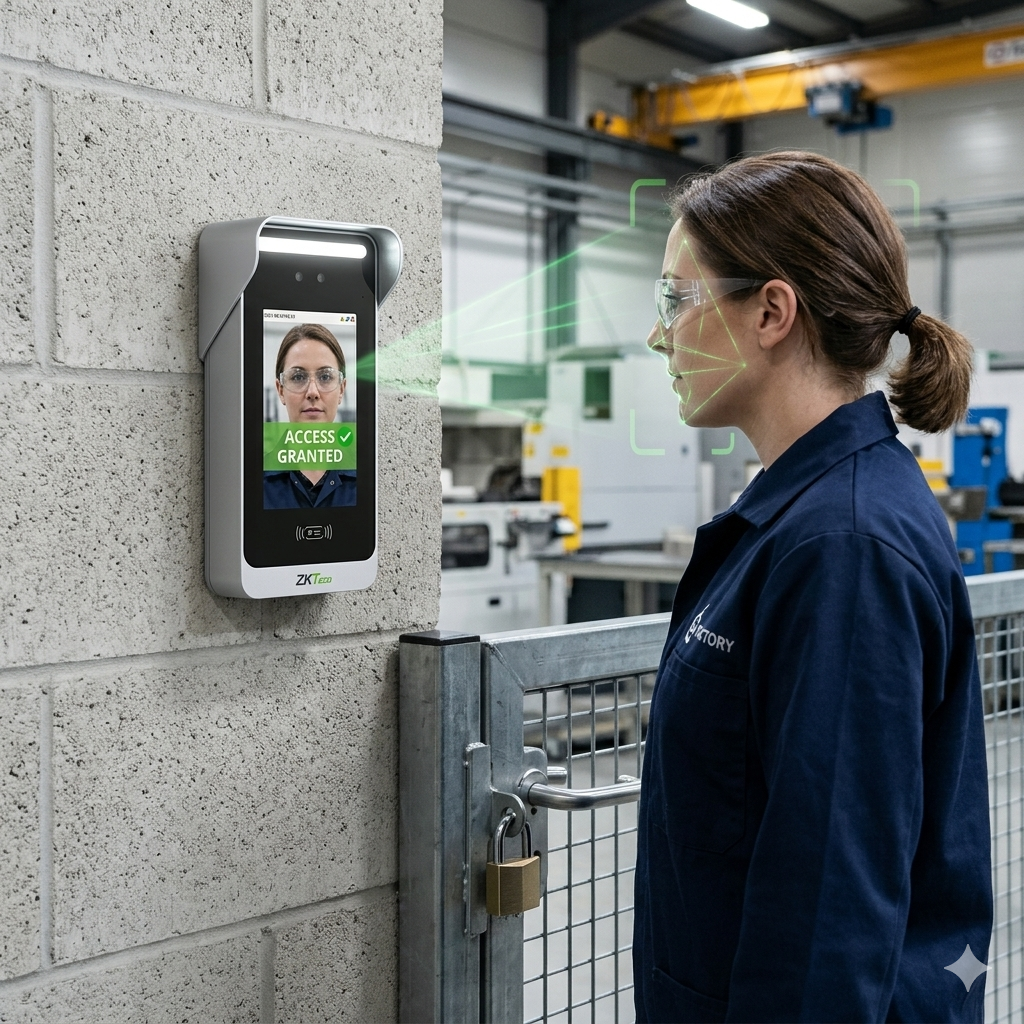
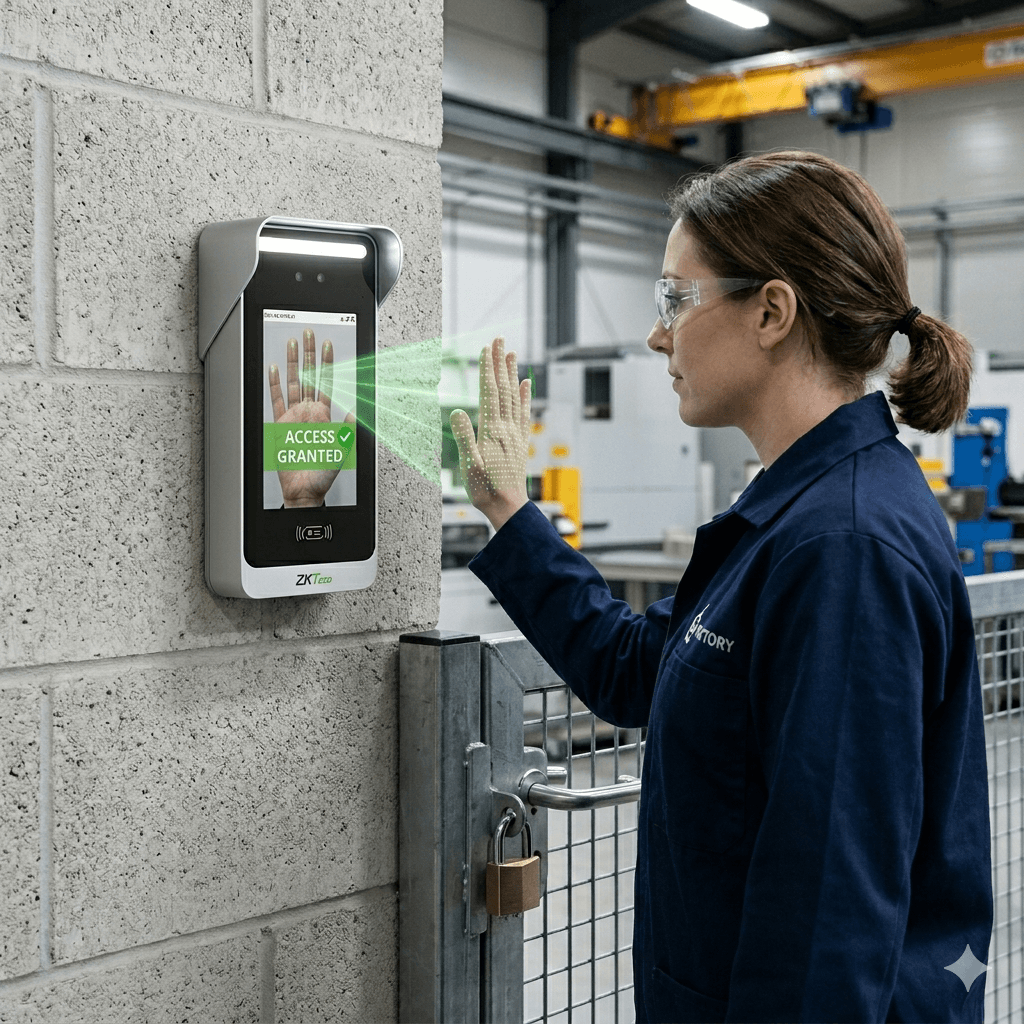
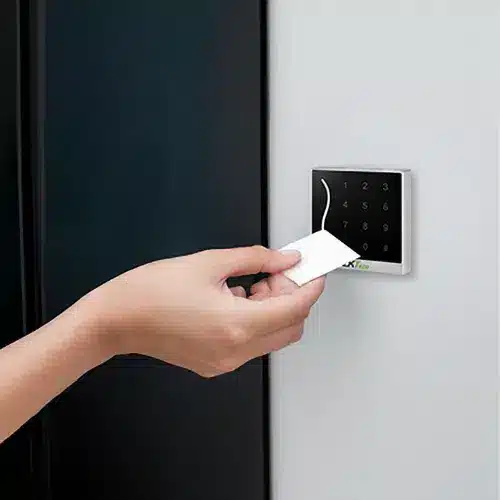
The goal is not only to make access faster. A well-designed system also improves security, reduces admin, supports visitor management, and gives the business better control over who can enter specific areas.
Contactless access control solves several common problems at once.
Keys get lost. Cards get shared. PIN codes get passed around. Visitors often need temporary access. Vehicle gates can become a bottleneck. Staff may not want to touch shared keypads, especially in high-traffic areas.
A contactless system gives businesses more control while making access easier for authorised users.
For example, a gym may use mobile credentials or QR codes for members. A warehouse may use facial recognition for staff areas and UHF readers for vehicle gates. An office may use Armatura mobile credentials so staff can use their phones instead of physical cards. A high-security site may combine biometric verification with access control rules, time zones and event logs.
The best setup depends on the site, the users and the level of security required.
Biometric access control is one of the strongest options for contactless entry because it verifies the person, not just something they carry.
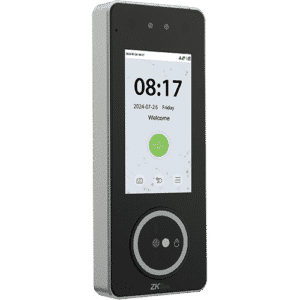
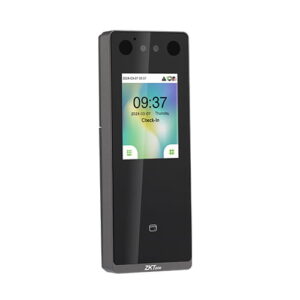
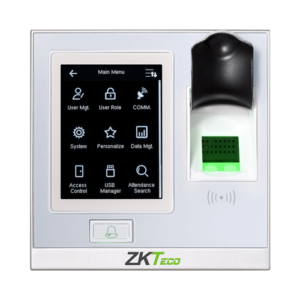
With ZKTeco solutions such as SpeedFace and SpeedPalm terminals, businesses can use face recognition, palm recognition, RFID cards, or a combination of methods depending on the site requirements.
Face recognition is ideal for fast staff access at offices, warehouses, schools, gyms and commercial facilities. Users simply look at the terminal and, if authorised, the door, turnstile or connected access point can unlock.
Palm recognition is another powerful contactless method. It can be useful where hygiene, convenience or user acceptance is important. Instead of touching a scanner, the user presents their palm near the device for verification.
Biometric access can also reduce common issues with shared cards or borrowed tags. A face or palm cannot be handed to another person, making it a strong option where accountability matters.
QR code access control is a practical option when you need flexible, temporary or app-based entry.
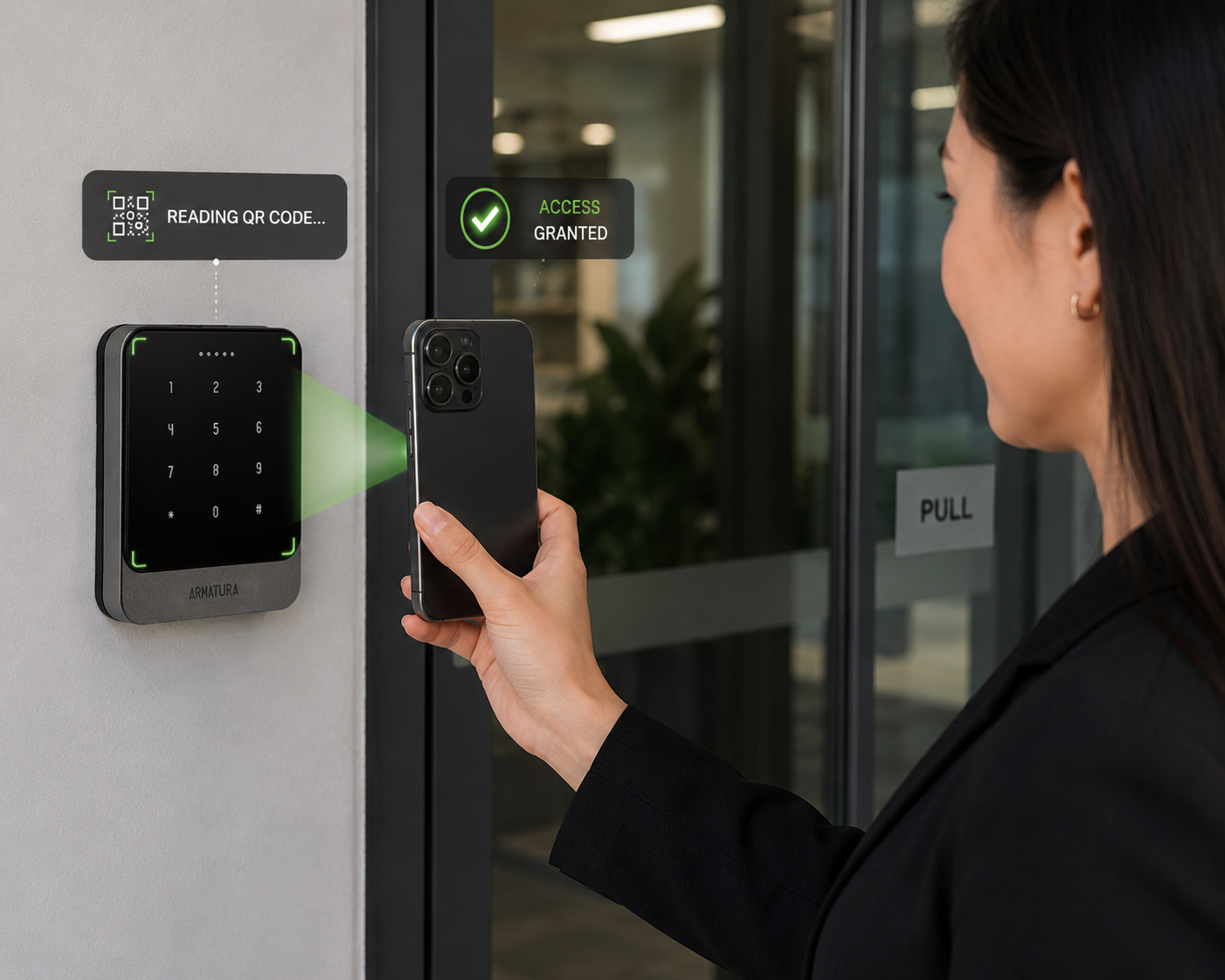
A QR code can be issued to a visitor, contractor, staff member or member, then scanned at a compatible access reader or biometric terminal. Depending on the software and setup, QR codes can be used for one-time access, scheduled access, visitor access or mobile-based entry.
ZKTeco QR readers such as the QR500 and QR600 ranges can be used in access control environments where QR credentials are required. Some biometric terminals also support QR functionality, depending on the model and system design.
The important point is to match the QR reader, controller and software platform correctly. QR access is not just about scanning a code. It needs to be tied into proper access rules, user permissions and reporting.
Mobile credentials are becoming one of the most practical contactless access options for modern workplaces.
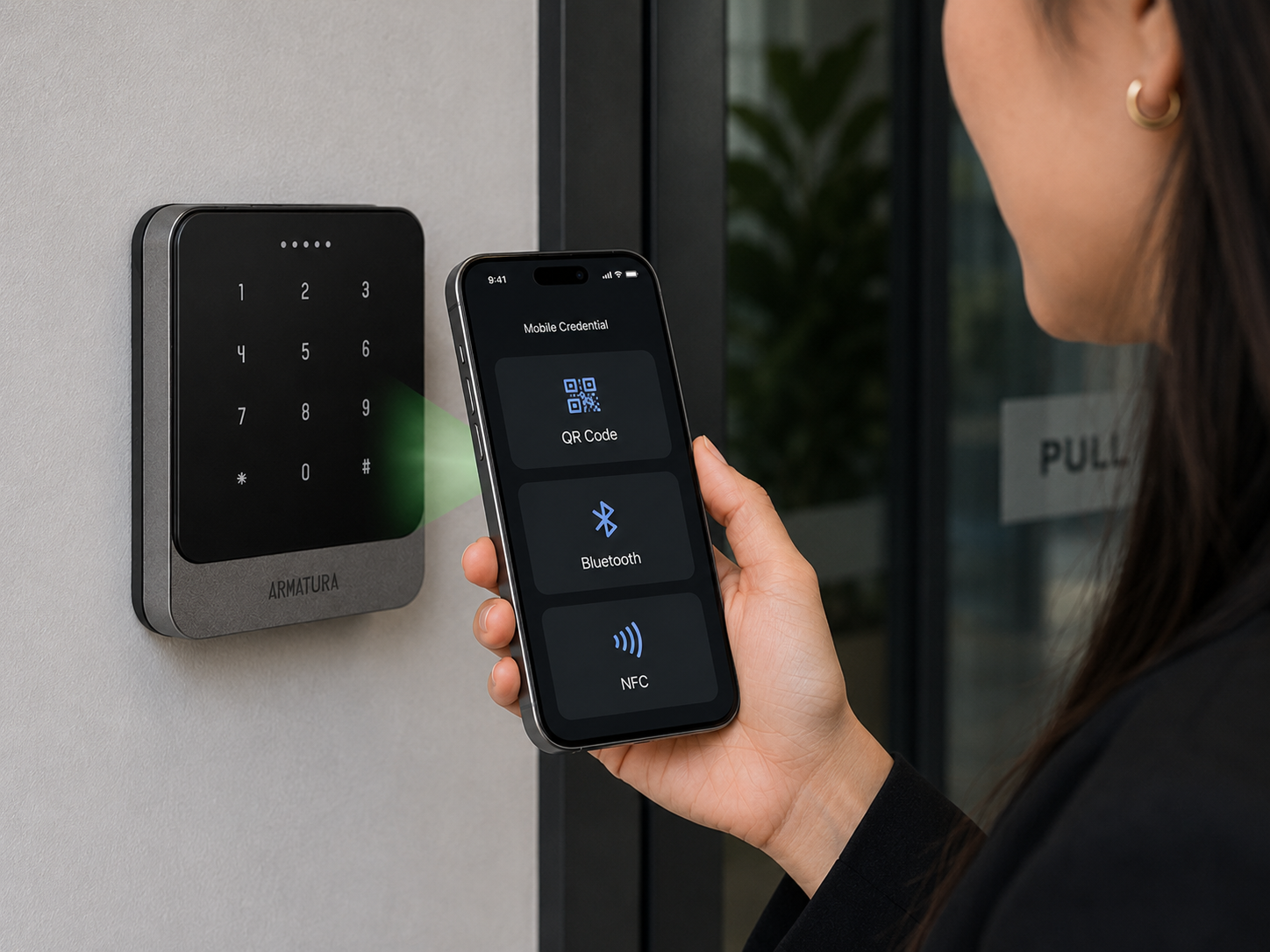
Instead of issuing a physical access card, a business can issue a digital credential to a user’s smartphone. The user can then unlock a compatible reader using supported methods such as BLE, NFC or QR code, depending on the system.
Through the Armatura range, NZTeco can support modern mobile credential access using technologies such as:
This is especially useful for sites that want to reduce physical card handling, simplify onboarding, or offer a more modern user experience.
Mobile credentials can also help reduce the admin burden of lost cards. Instead of replacing a physical card, access can be managed digitally through the supported platform.
For many businesses, mobile access is a strong fit for offices, shared workspaces, gyms, apartment complexes, commercial buildings and premium access control projects.
Contactless access control is not limited to pedestrian doors.
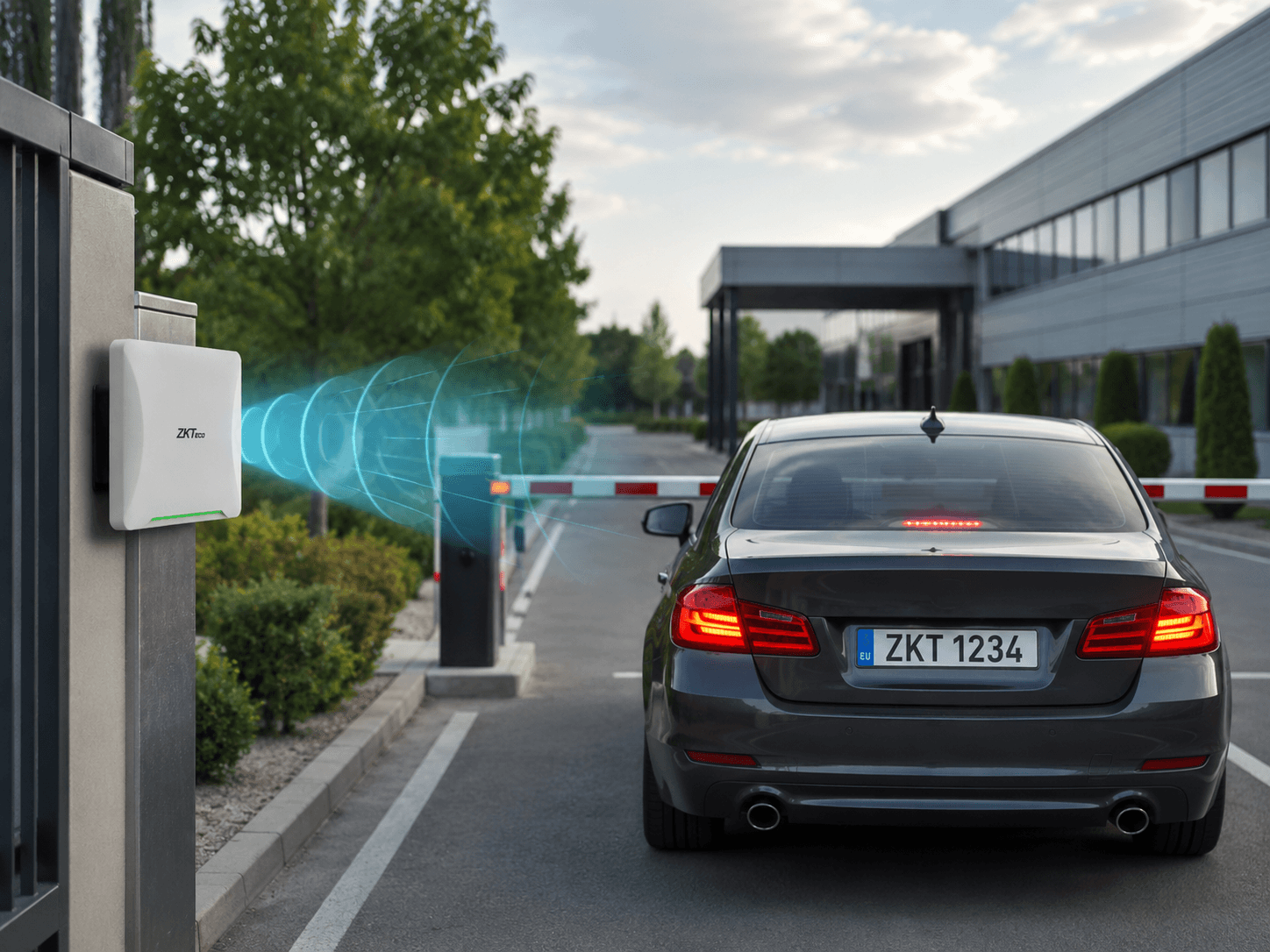
For vehicle entrances, long-range UHF readers can identify authorised vehicles before they reach the gate or barrier. A UHF tag is usually fitted to the vehicle, and the reader detects the tag from a distance, allowing the system to trigger a gate, boom barrier or vehicle access point.
This type of setup is useful for:
ZKTeco UHF readers such as the U1000, U2000 and UHF Pro ranges can be used for long-range vehicle access applications, depending on the required read distance, mounting position and site conditions.
A properly designed UHF vehicle access system can reduce waiting time at gates, improve traffic flow and provide better control over which vehicles are authorised to enter.
There is no single best contactless access control method for every site.
The right solution depends on what you are trying to protect, who needs access, how often access changes, and whether the entry point is for people, vehicles or both.
Here is a simple way to think about it:
In many real projects, the best result comes from combining technologies.
For example, a commercial building may use mobile credentials for staff, QR codes for visitors, biometric terminals for restricted zones, and UHF readers for the car park.
The technology is only one part of the solution. A proper contactless access control system also needs the right controller, lock hardware, exit devices, cabling, power supply, backup power, software, user permissions and installation approach.
Face, palm, QR code, mobile credential, RFID or long-range UHF for vehicles.
The controller decides who can enter, when they can enter and which doors they can use.
Maglocks, strikes, drop bolts, exit buttons and emergency release devices must suit the door and risk level.
Power supplies and backup batteries help keep the system stable during outages or voltage drops.
User groups, schedules, visitor expiry, audit logs and reporting all need to be configured properly.
The system may need to work with turnstiles, gates, barriers, alarms, lifts or multiple sites.
Click through the questions to see why product selection, system design and installation approach matter before choosing the hardware.
NZTeco can help installers, integrators and end-users choose a practical contactless access control solution instead of relying on guesswork.
Contactless access control is a strong fit for many New Zealand sites, including:

Staff can access the building using face recognition, mobile credentials or RFID, while visitors can be handled through QR-based access where suitable.
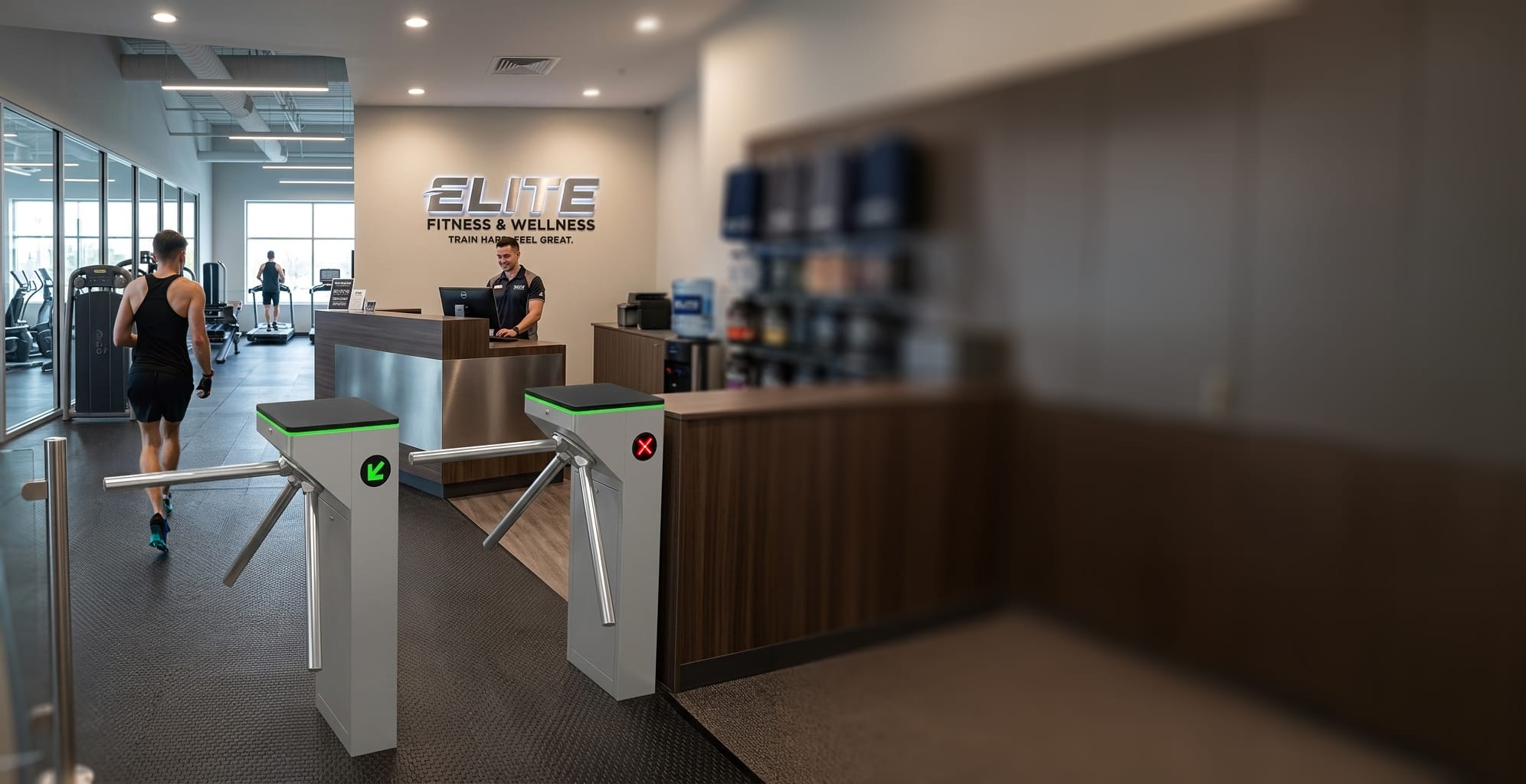
Members can use QR codes or mobile credentials for convenient entry, while staff areas can use biometric access for better control.
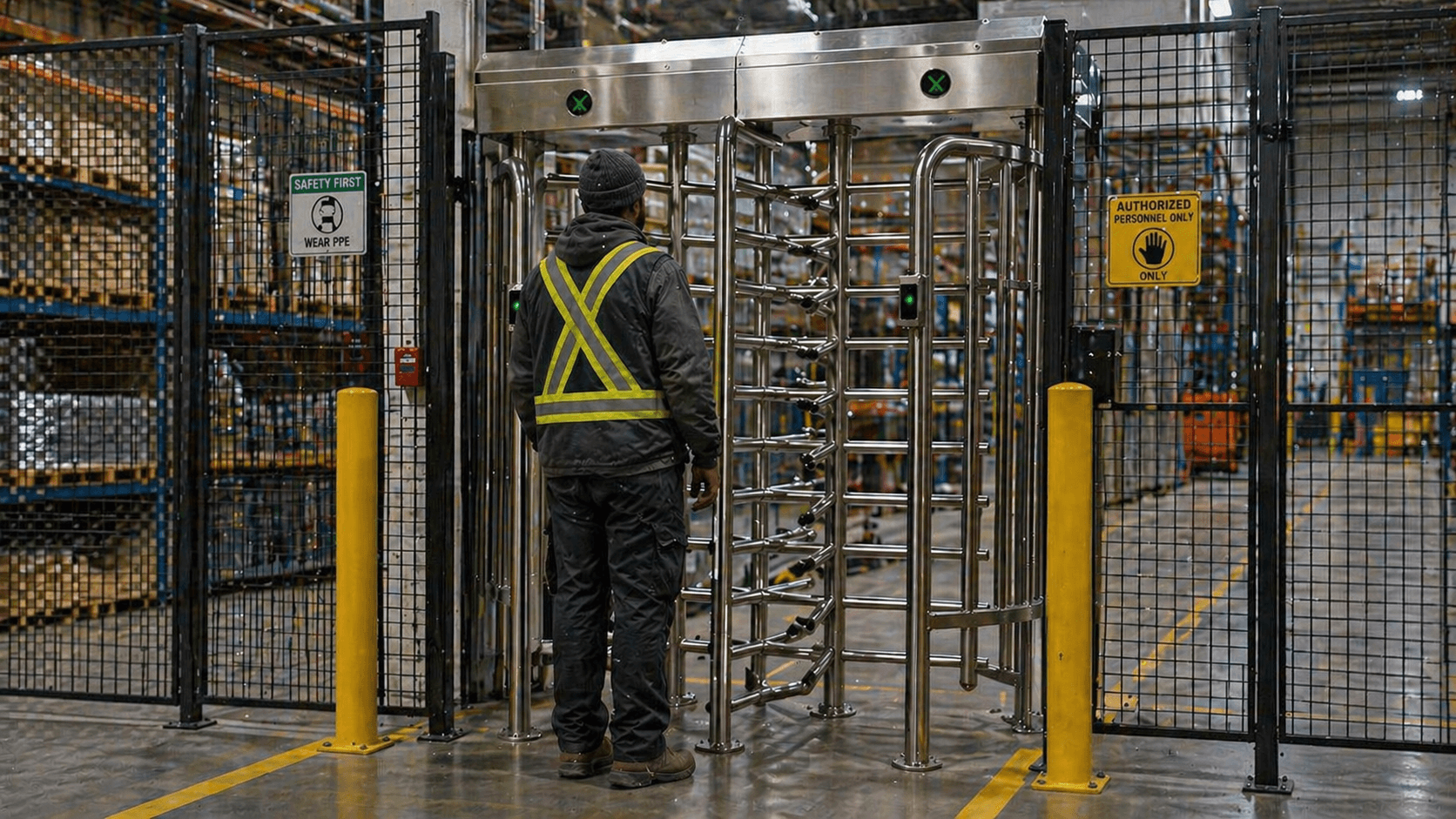
Biometric terminals can control staff access, while UHF readers can manage vehicle entry through gates and barriers.
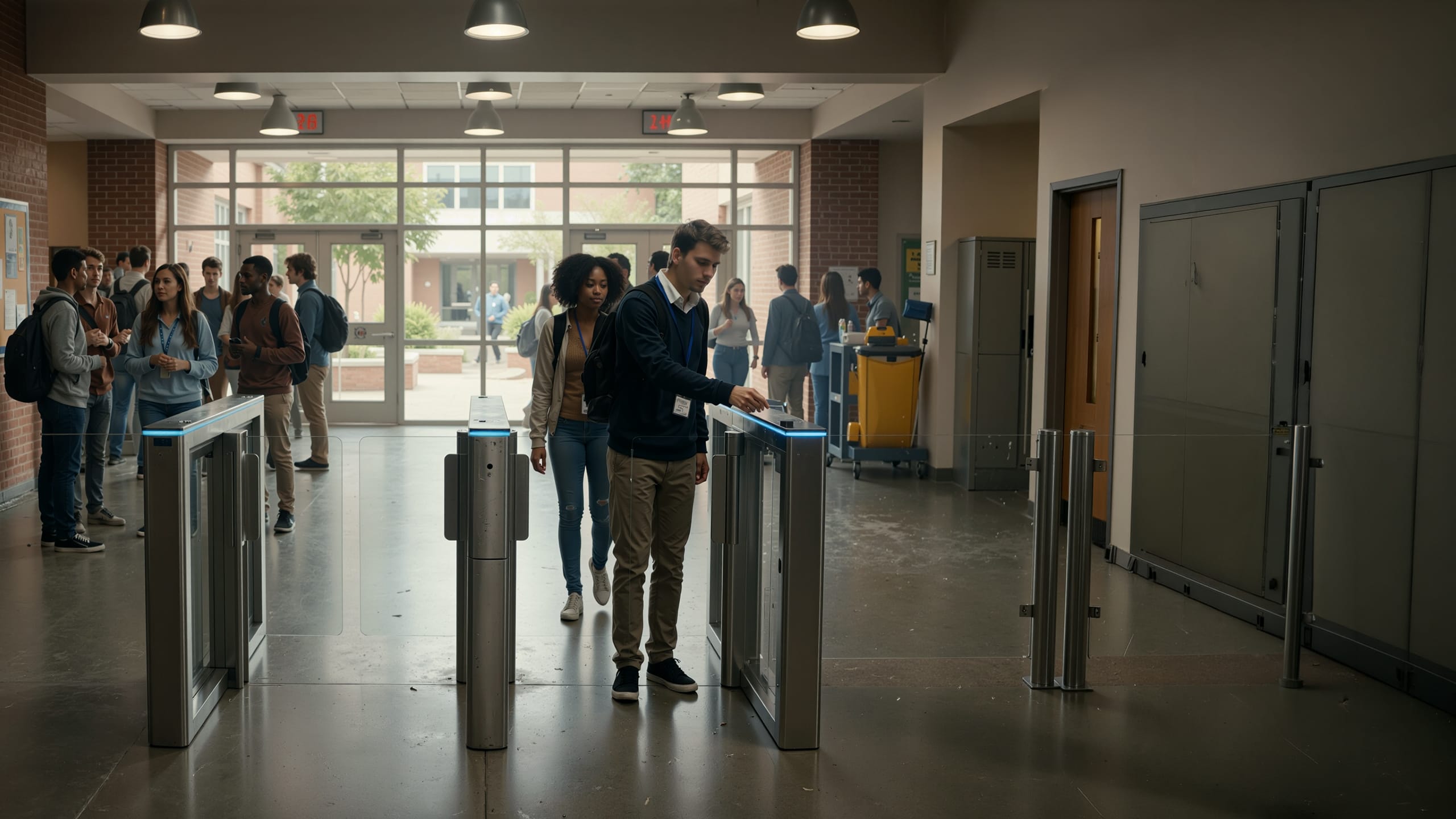
Contactless systems can help manage staff, contractor and restricted-area access with better visibility and control.
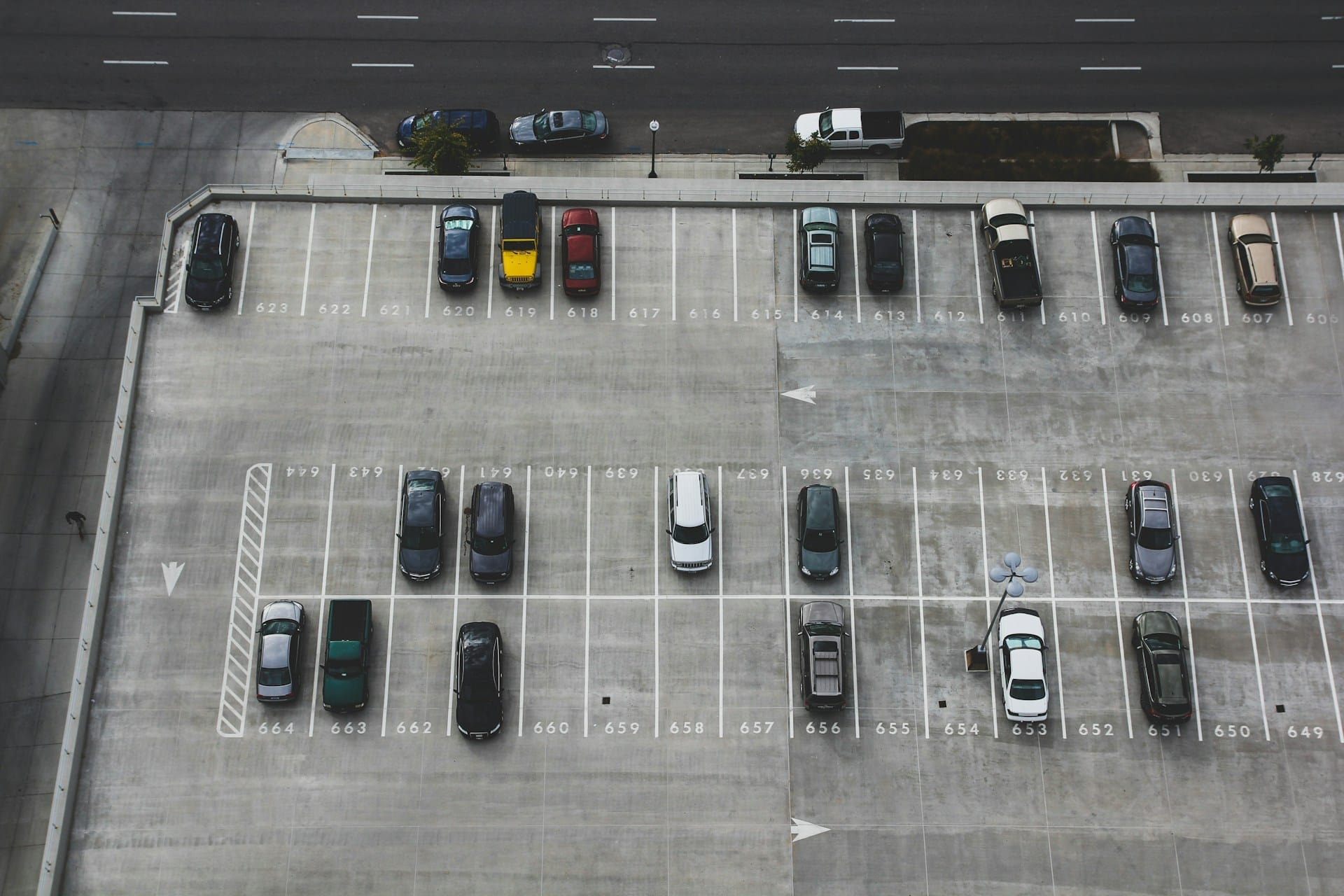
Residents can use cards, mobile credentials or QR-based access depending on the system design, while vehicle entrances can use UHF readers.
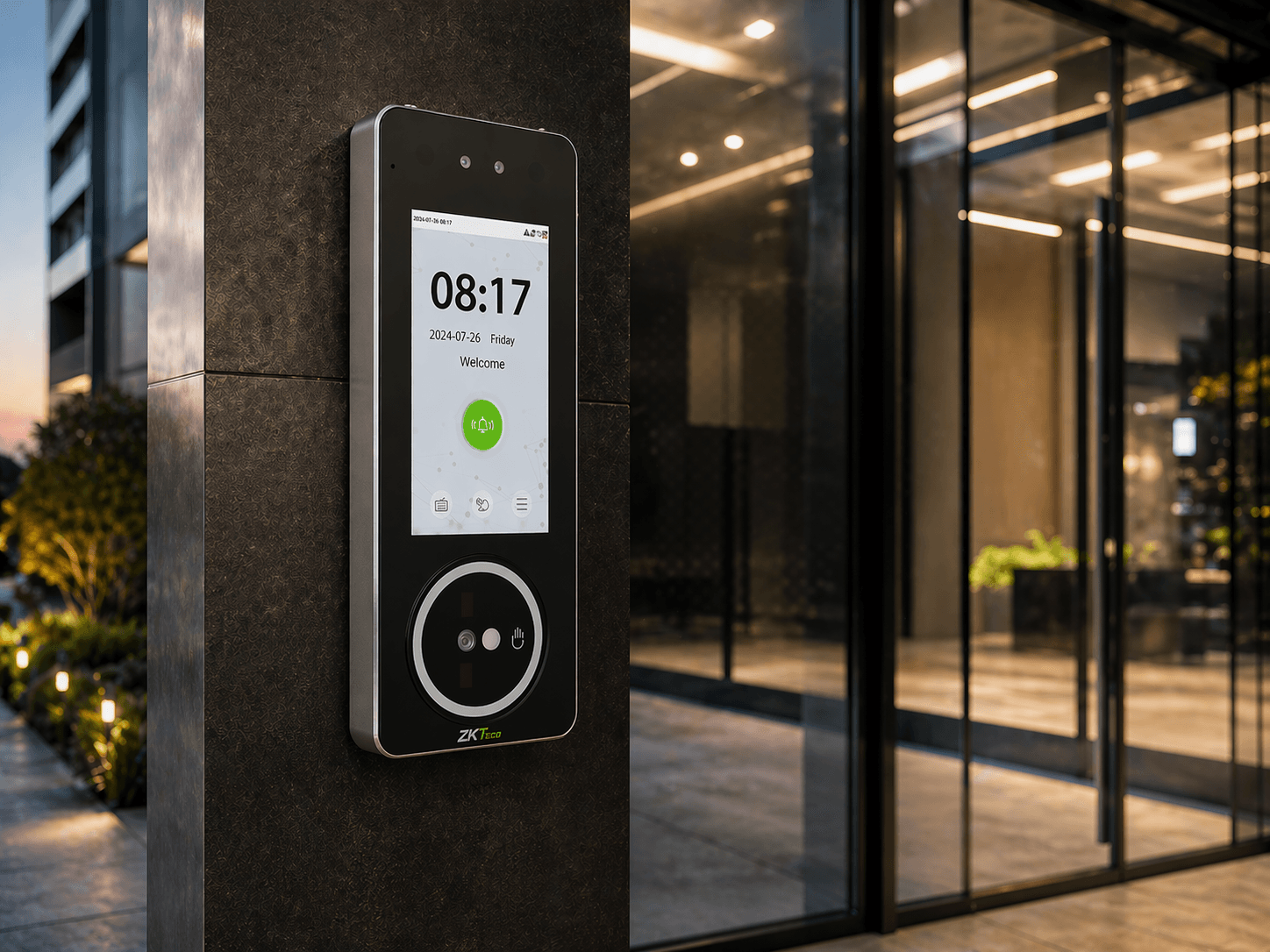
Face and palm recognition can help ensure the person entering is the authorised user, not someone carrying a borrowed card.
NZTeco offers a wide range of contactless access control options for New Zealand businesses, installers and system integrators.
These include:
The key benefit is flexibility. You do not need to choose only one access method for the entire site. Different areas can use different credentials based on risk, convenience and user needs.
A contactless access control system is worth considering if you want faster entry, less reliance on keys or cards, improved hygiene, better visitor access, or easier control over staff, members and vehicles.
Contactless systems are especially useful when your site has multiple user types, such as staff, visitors, contractors, members, tenants or authorised vehicles.
Reduce bottlenecks at doors, gates and entry points with quicker, more convenient access.
Move away from physical keys and unmanaged cards for a more flexible access approach.
Face and palm recognition can reduce the need to touch shared devices or hand over cards.
QR code and temporary credentials can make visitor access easier to issue and manage.
Long-range UHF access can help manage authorised vehicles at gates, barriers and secure entries.
For the best result, the system should be planned around the real-world use case first. The product choice should come after that.
Need a contactless access control system for your building, gym, warehouse, car park or gated entrance? NZTeco supplies ZKTeco and Armatura access control solutions across New Zealand, including face recognition, palm recognition, QR code access, mobile credentials, BLE/NFC readers and long-range UHF vehicle access systems.
Contact NZTeco to compare the options and choose a contactless access control solution that fits your site, budget and security requirements.
Contact NZTeco →The best system depends on the site. Face recognition is ideal for fast staff access, palm recognition is useful for hygienic biometric access, QR codes work well for visitors and members, mobile credentials suit modern workplaces, and UHF readers are best for vehicle gates and barriers.
Yes. Long-range UHF readers can identify authorised vehicle tags and trigger gates or boom barriers. This is commonly used for car parks, gated entrances, commercial yards and industrial sites.
From access control, time attendance and turnstiles to CCTV, smart locks, vehicle access, digital signage and automation, NZTeco helps match the right technology to the job.
Send us the details and we’ll help you work out the best next step.






We’re a Licensed Security Company!
NZTeco Limited is officially licensed under the Private Security Personnel Licensing Authority (PSPLA).
License Number: 24-121944
License Classes: Security Technician & Security Consultant
Expiry Date: 22-11-2029
What does this mean?
It confirms that we meet the legal standards to provide professional and secure services in New Zealand, ensuring your peace of mind and trust in our solutions.
Being licensed ensures compliance with industry regulations, ethical practices, and accountability in delivering Access Control, CCTV, and other security solutions.
For more about the PSPLA and why choosing a licensed provider matters, visit the official PSPLA information page: https://www.pspla.govt.nz/ (opens in a new tab).