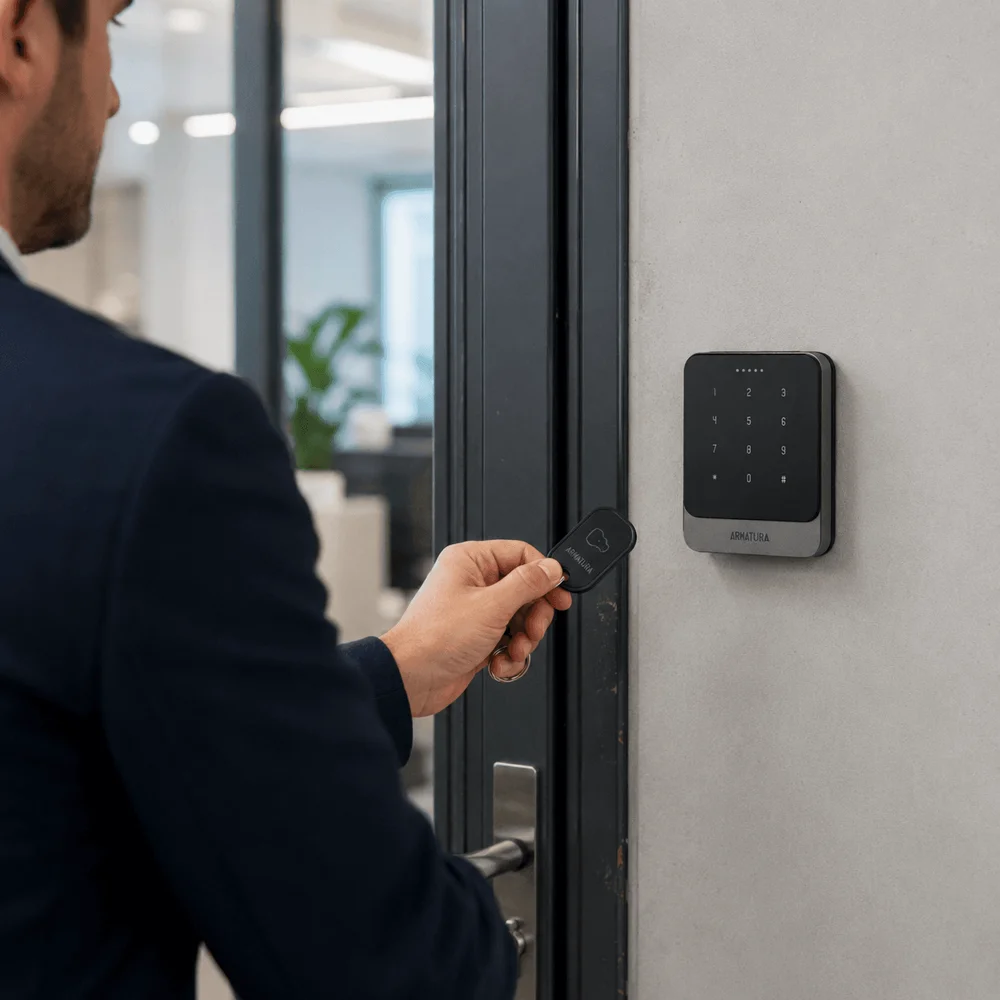
A familiar tap.
An easy everyday choice.
Give staff and tenants their own card or fob for regular entry.
Already using cards? NZTeco can check whether they can be kept.
Explore card and fob readers
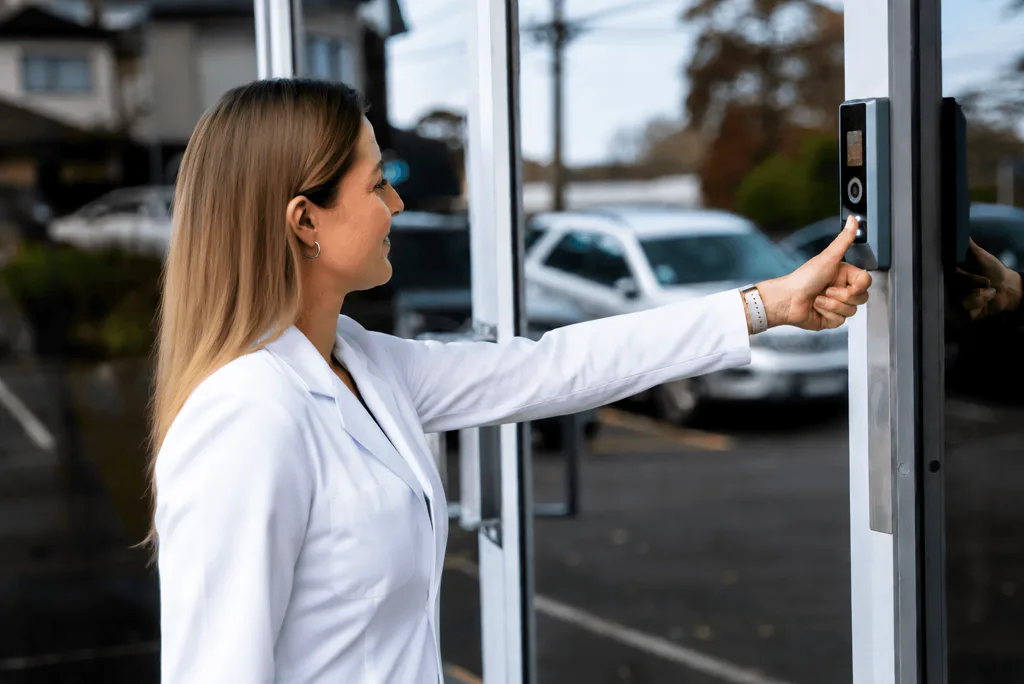
Cards and fobs. PIN and QR.
Mobile, fingerprint, face and palm.
Tell us who needs access, and where.
We’ll help you choose.
Official ZKTeco Partner for New Zealand
Customers and partners across NZTeco’s wider network.


Explore the options for your people and entrances. We’ll help you choose the right combination.
Give staff and tenants their own card or fob for regular entry.
Already using cards? NZTeco can check whether they can be kept.
Explore card and fob readers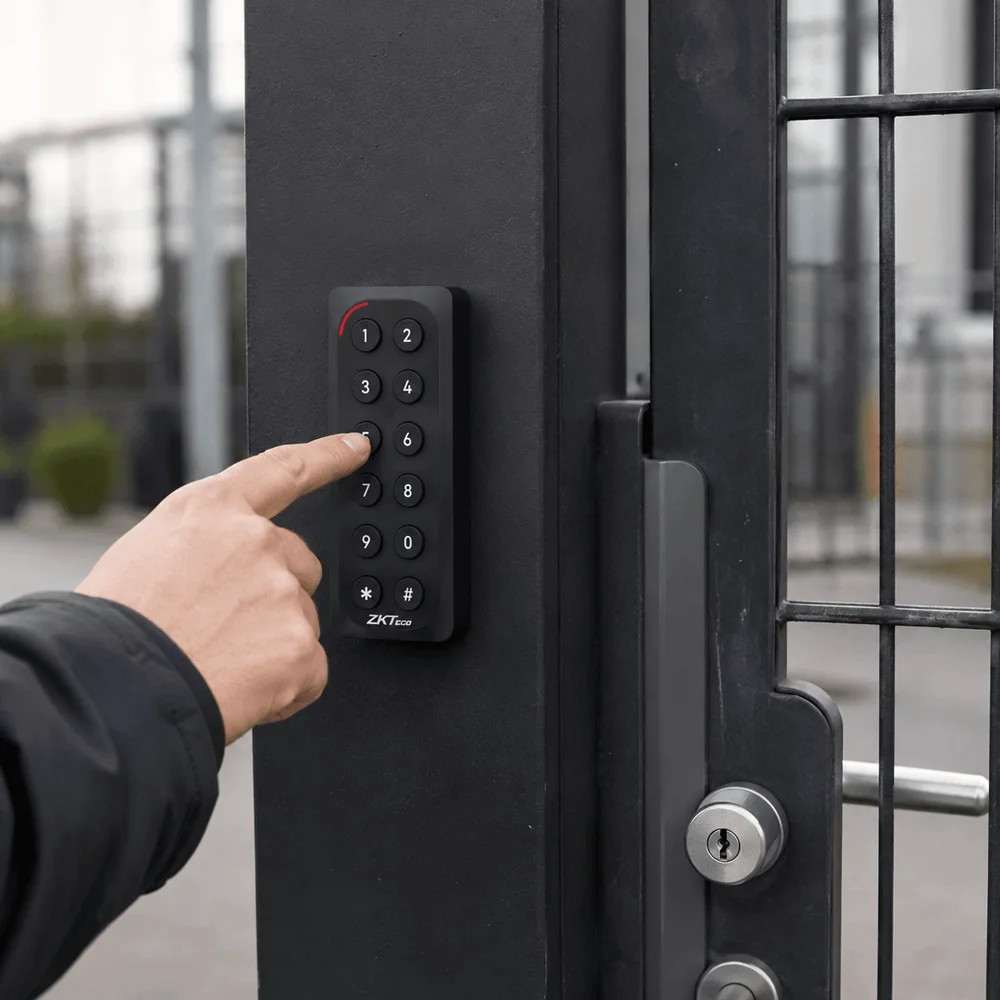
Let people enter with an individual code when carrying a card is impractical.
NZTeco helps select the keypad and system that support the way you want PINs to work.
Explore KR900 keypad readers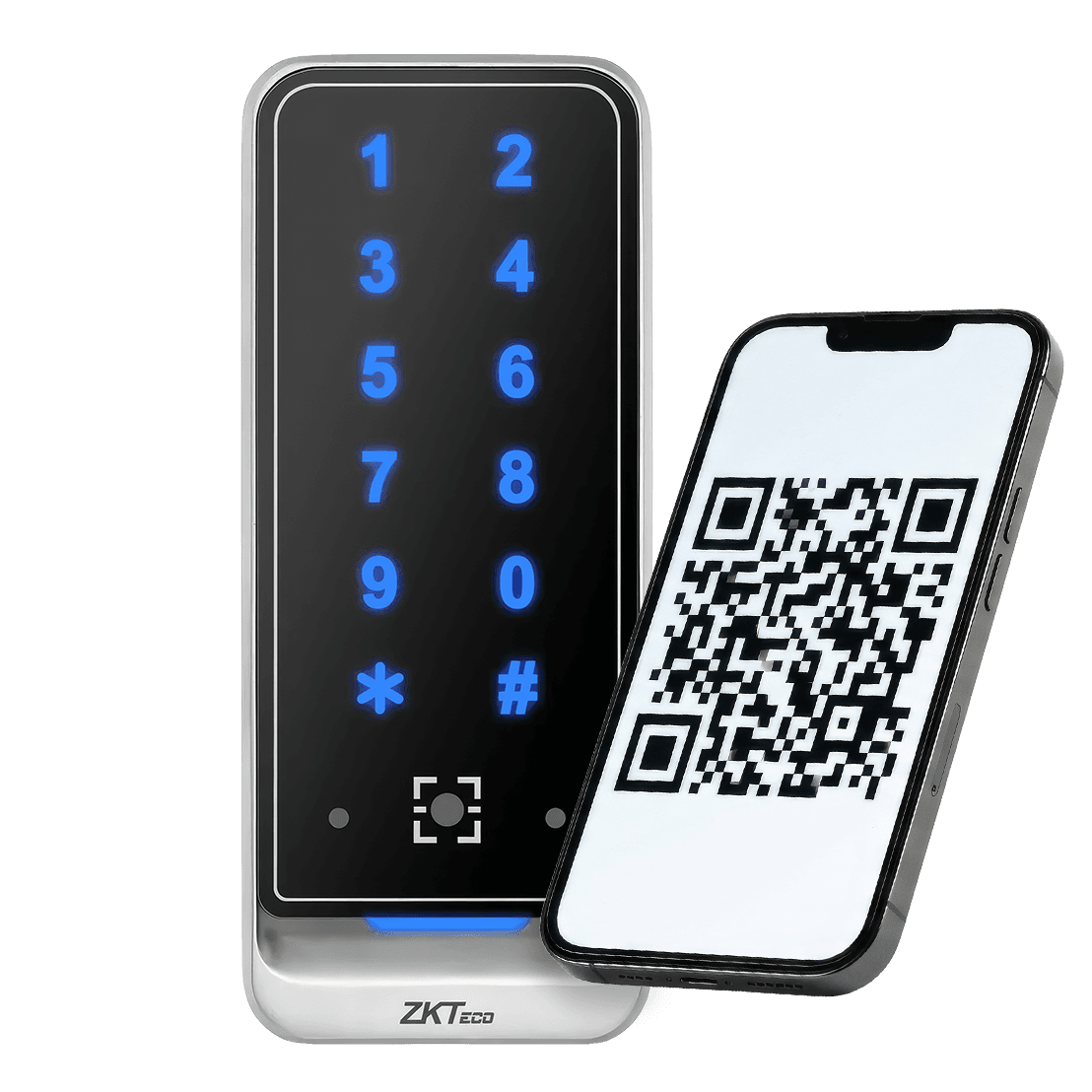
Give visitors and contractors a QR pass they can present at the entrance.
Time limits and revocation depend on the issuing software and system setup.
Explore QR600 readers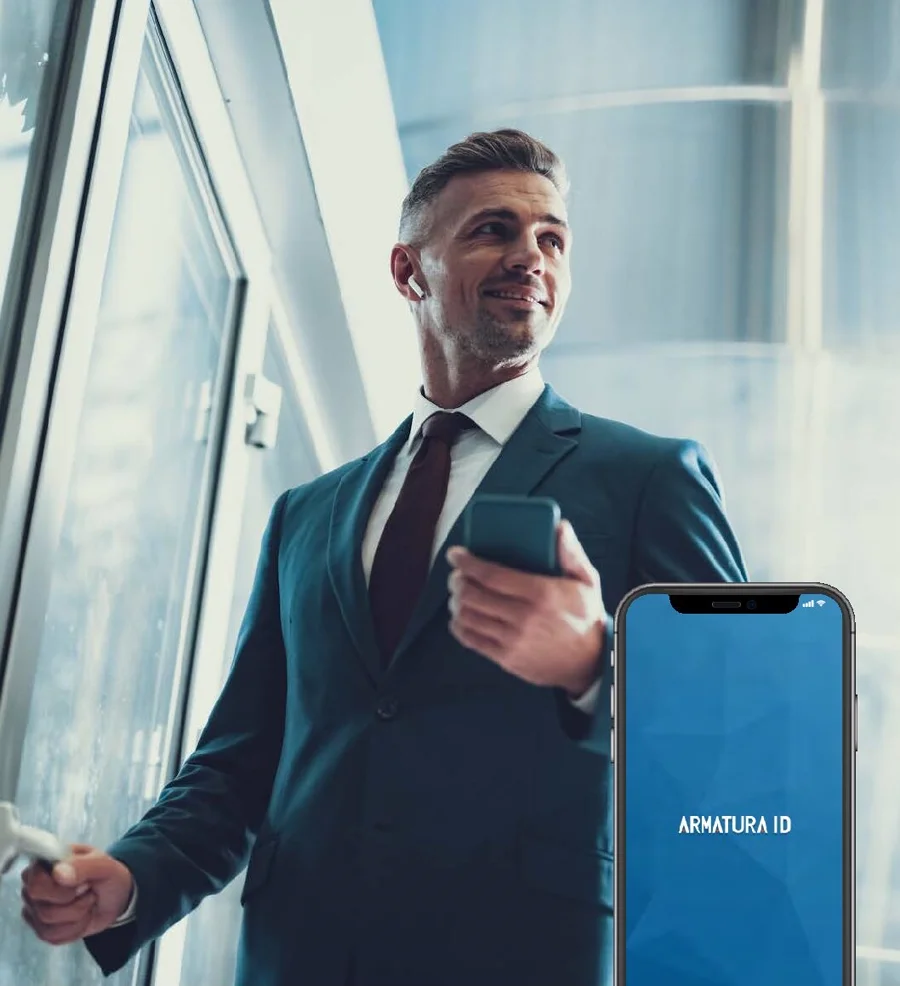
Let users carry their access credential on a compatible phone.
Bluetooth and NFC support depend on the reader, app and phone. NZTeco helps match them.
Explore mobile-capable readers
Use an enrolled fingerprint for entry without presenting a card or remembering a code.
NZTeco helps choose suitable readers and the system behind them.
Explore biometric readers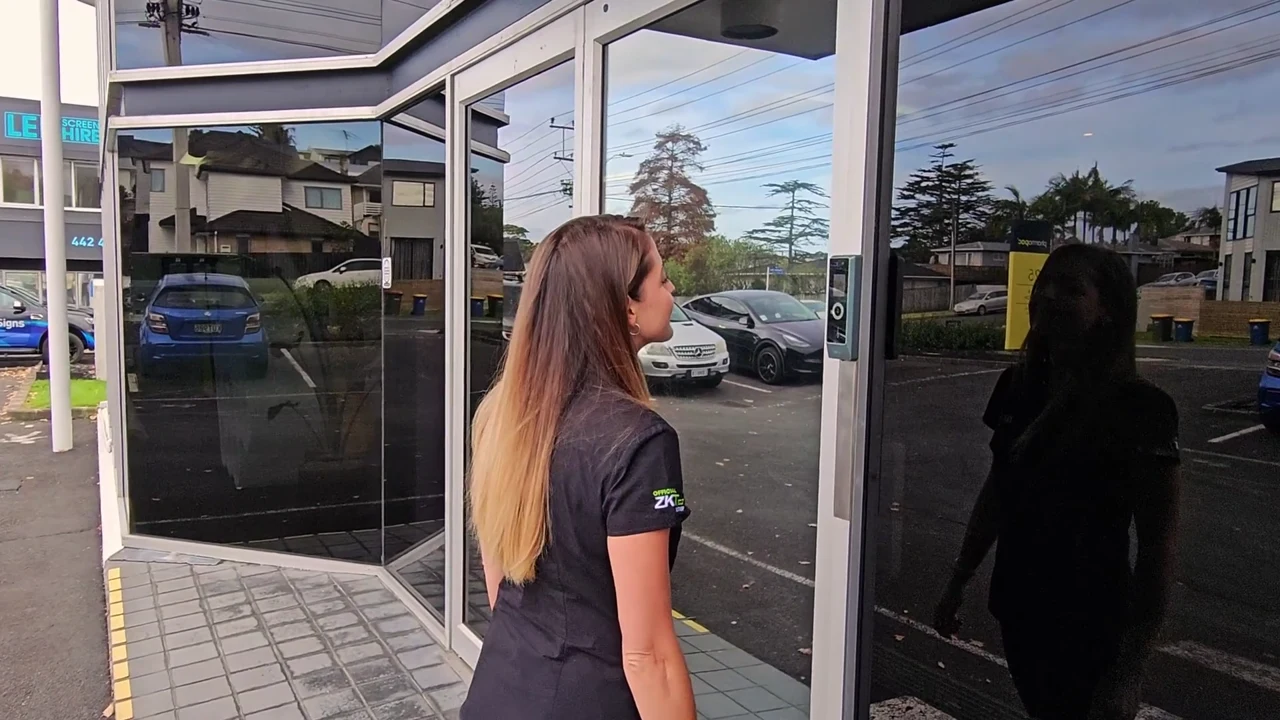
Identify enrolled users at the entrance without a card or touching a keypad.
Face recognition is available on terminals such as ProMA and SpeedPalm V5L.
Explore ProMA face access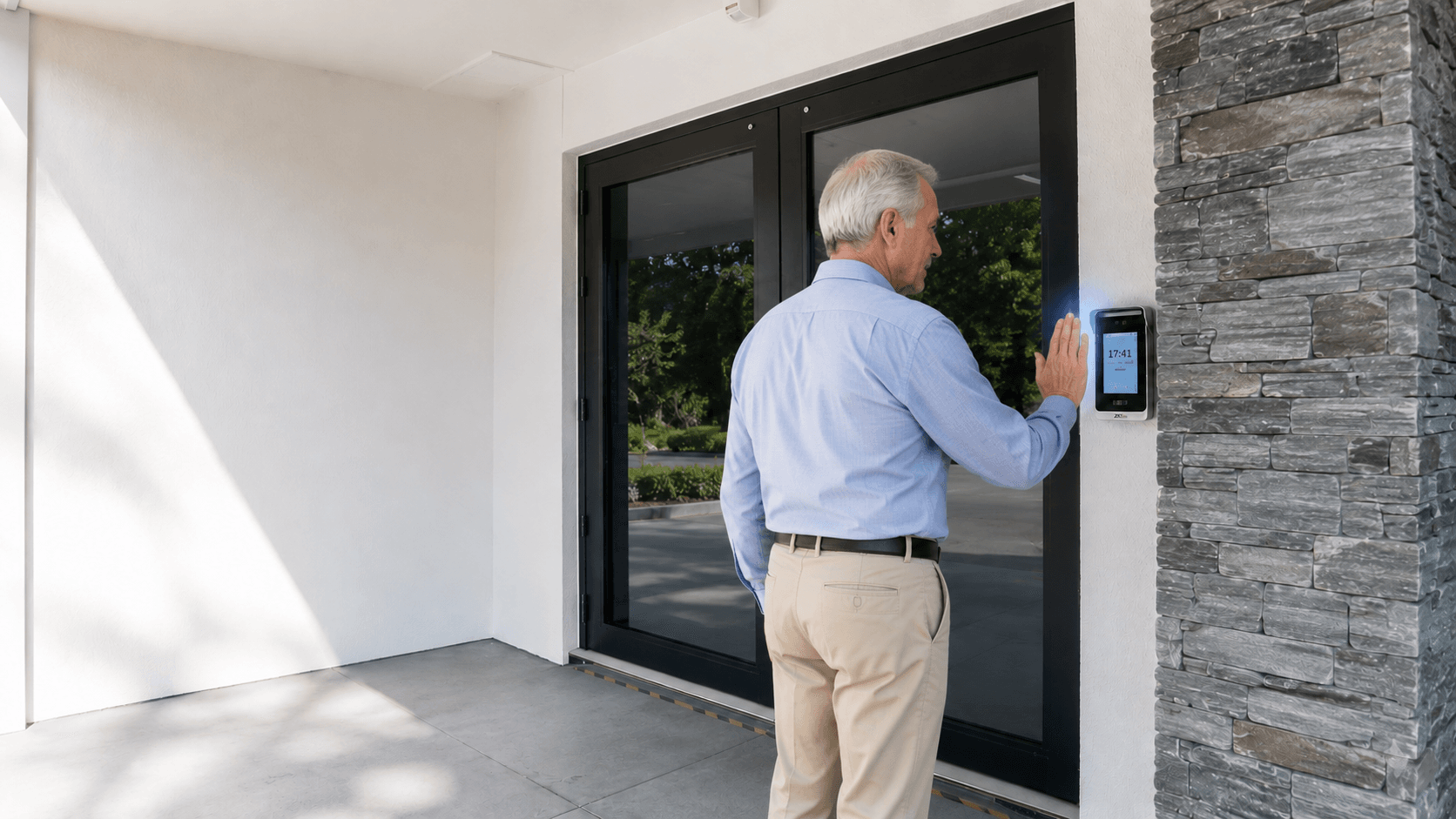
Use an enrolled palm for identification without carrying a separate credential.
Available on terminals such as SpeedPalm V5L. NZTeco helps assess what suits your entrance.
Explore palm accessGo straight to the equipment you need. The complete range is here, from card and biometric readers to door controllers and software.
View the full access control catalogue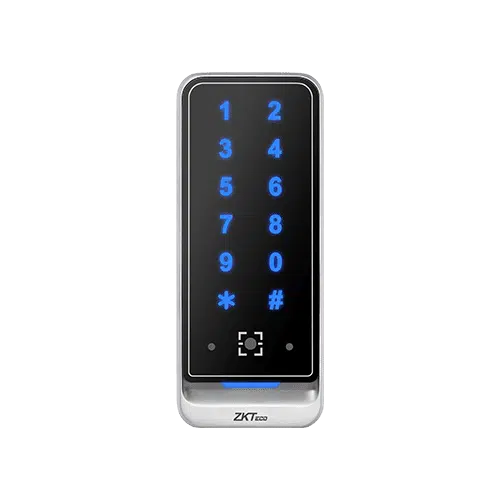
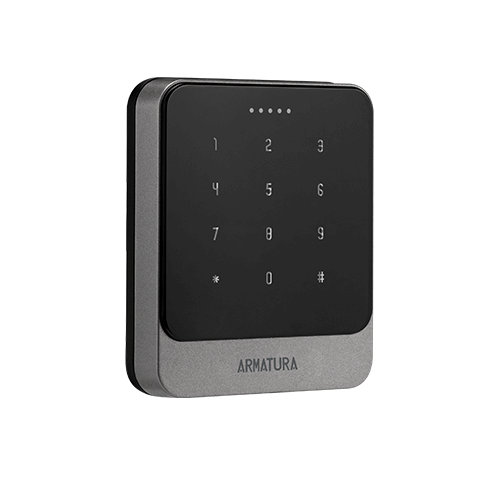
Choose how people identify themselves: card, biometric, QR or mobile-capable readers.
Browse readersQR600 supports QR and RFID. EP20 keypad and QR features vary by model; mobile support depends on the reader, app and phone.
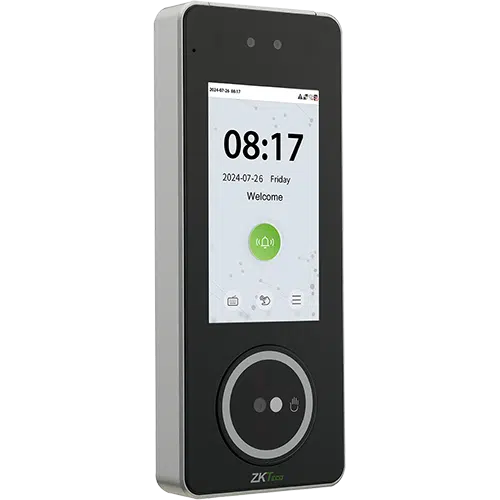
Identification and local access control in one device.
Browse standalone devicesFace and palm access, with card and password alternatives on SpeedPalm V5L.
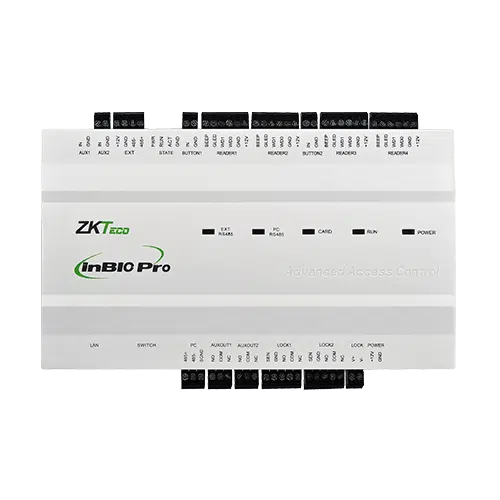
Separate readers at the entrance, with a control panel managing access to the doors.
Browse controllersWe match the controller, readers and management software to the project.

Pharmapac wanted to retain existing HID cards while adding biometric access across ten doors. The upgrade used ZKTeco ProMA readers with a project-specific HID iCLASS/Prox module, alongside ZKBio CVSecurity software.
ISS Integrated Security Services scoped, installed and commissioned the system. NZTeco supplied the hardware and software, with configuration guidance and technical support.
Read the Pharmapac projectGive regular users convenient options, manage visitor passes, or require two checks at a restricted entrance. NZTeco helps bring the right methods together.
Explore contactless access optionsAlternative credentials for regular users, on a compatible system.
Pass time limits and revocation depend on the issuing software and setup.
Both checks are required in SpeedPalm V5L’s supported Face + Password mode.
Vehicle entrances too? UHF tags and number-plate recognition can support vehicle access. We’ll check how the entrance systems can work together, including whether separate credentials are needed.
You don’t need a parts list to get started. Tell us who to contact and which city or town the site is in. Add what you know about the project — we’ll help with the rest.
“Swipe card” is often used as a general name for card-based entry. Modern RFID systems usually read a card or fob when it is held near the reader. If you are replacing an older system, NZTeco can check the card technology before recommending equipment.
Existing cards can be reused when their technology and format match the new equipment. Send us the details you have about your cards or current system, and we’ll check what can be kept.
Yes, with a system designed for the doors and sites you need to manage. NZTeco can help choose the controllers and software around your users, access rules and administration needs, including on-premise or cloud management.
A reader is one part of the entrance. Depending on the system, you may also need a controller, lock, power supply, exit device, door contact and cabling. NZTeco helps identify the equipment needed alongside your existing door hardware. Read our access control lock guide.
Yes. Installation is carried out by NZTeco partners, with your installer or integrator supporting your system. NZTeco provides project oversight, product expertise and technical support to the installer, backed by a global network of technical and engineering experts. Commissioning arrangements are tailored to each project. See our installation services.
Identifies the person or credential.
Applies access rules in a panel-based system.
Operates and monitors the entrance.
Software manages users, permissions and events across supported controllers and devices. This flow shows a controller-based system.
Standalone terminals combine identification with local access functions. They can suit projects that need these functions in one device.
Controller-based systems separate the reader from the panel controlling the door. The design accounts for door count, entry and exit readers, credentials and management requirements.
Decide who can enter, where they can go and when access is allowed. On-premise and cloud options offer different ways to manage users, permissions and entry events.
NZTeco checks device support, features and licensing. Browser-based software may still run on your premises; a management app is different from using a phone as an entry credential.
Keeping an existing system? Tell us what you want to keep and what needs to change. Share model or software names if you have them; we’ll help assess the options. Read our integration guidance.

We’re a Licensed Security Company!
NZTeco Limited is officially licensed under the Private Security Personnel Licensing Authority (PSPLA).
License Number: 24-121944
License Classes: Security Technician & Security Consultant
Expiry Date: 22-11-2029
What does this mean?
It confirms that we meet the legal standards to provide professional and secure services in New Zealand, ensuring your peace of mind and trust in our solutions.
Being licensed ensures compliance with industry regulations, ethical practices, and accountability in delivering Access Control, CCTV, and other security solutions.
For more about the PSPLA and why choosing a licensed provider matters, visit the official PSPLA information page: https://www.pspla.govt.nz/ (opens in a new tab).