Home or villa
See who’s at the front door or gate from a matched indoor monitor.
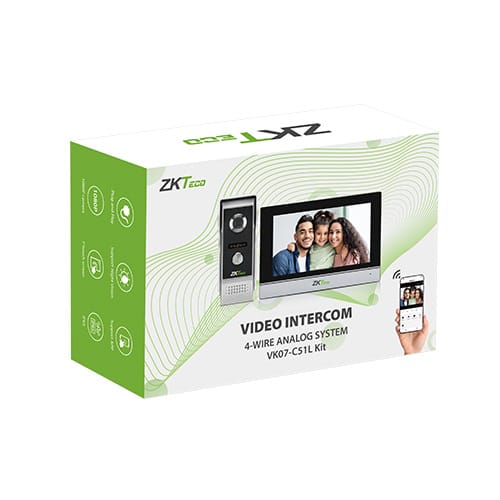
Explore a kit →See and speak to visitors before releasing a door or gate. ZKTeco systems, supplied and supported by NZTeco in New Zealand.
Official ZKTeco Partner for New Zealand
Product selection · Local technical support · Partner installation
Call at the entrance
Answer indoors
Start with who needs to answer. The equipment examples below help you choose a route, from one household to a shared building.
See who’s at the front door or gate from a matched indoor monitor.
Explore a kit →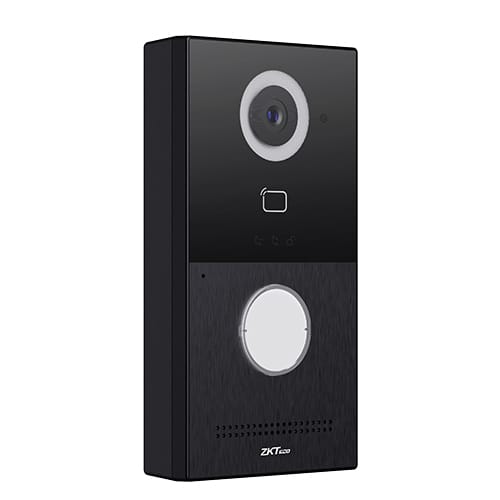
Let staff screen deliveries and visitors before releasing a commercial entrance.
See door stations →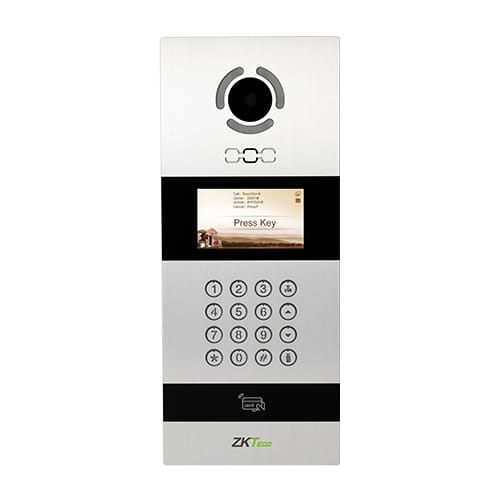
Help visitors reach the right resident. Plan the directory and each household’s answering point.
Plan shared entry →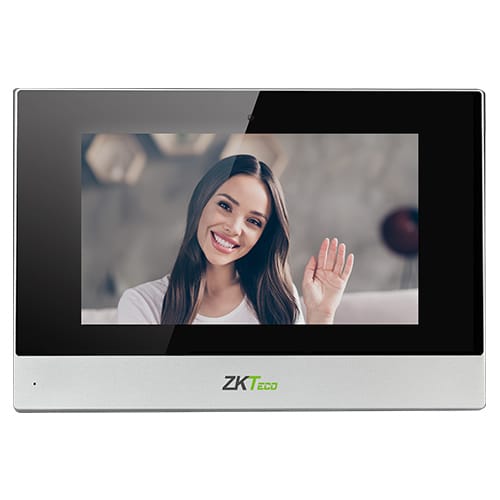
Answer at a staffed desk and coordinate visitor release with existing staff access.
Answering options →A working system brings the calling station, answering point and entrance hardware together.
At the entrance
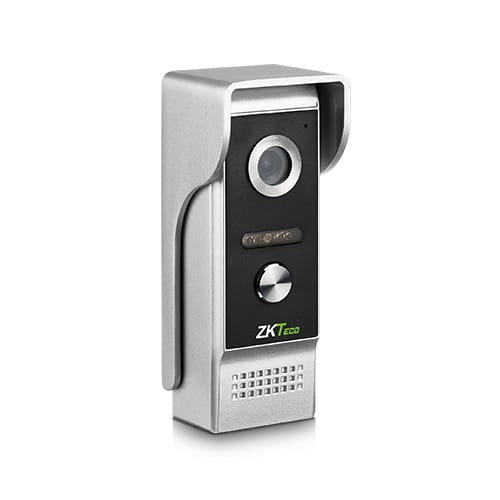
An outdoor station lets the visitor call, speak and be seen. Buttons, a keypad or a directory suit different entrances.
Inside or at reception
An indoor monitor or verified receiving endpoint lets a resident or staff member see and speak to the visitor.
At the door or gate
A compatible release circuit operates the lock or gate. The lock, power supply and safe exit arrangements are part of the site design.
4-wire kits and IP/SIP systems use different wiring architectures. Plan suitable cabling, power and network provision with the installer; receiving devices and release hardware must suit the selected system.
Choose a complete kit, an outdoor calling station or an indoor answering point. Compare the role and the companion equipment each option needs.
| Product | Role & application | Connection | What else to plan |
|---|---|---|---|
|
Role & applicationComplete kit Home & villa calling |
Connection4-wire analogue Wi-Fi at indoor monitor | What else to planOutdoor station and 7-inch monitor included. Plan cabling, power and the lock/gate connection; confirm ZSmart setup if mobile answering is needed. | |
|
Role & applicationOutdoor station Door/gate calling; IC/ID card entry |
ConnectionIP / SIP PoE or 12V DC | What else to planA compatible answering device and release hardware. Two relay outputs; no full keypad display. | |
|
Role & applicationOutdoor station Shared entrance; IC card, NFC & PIN |
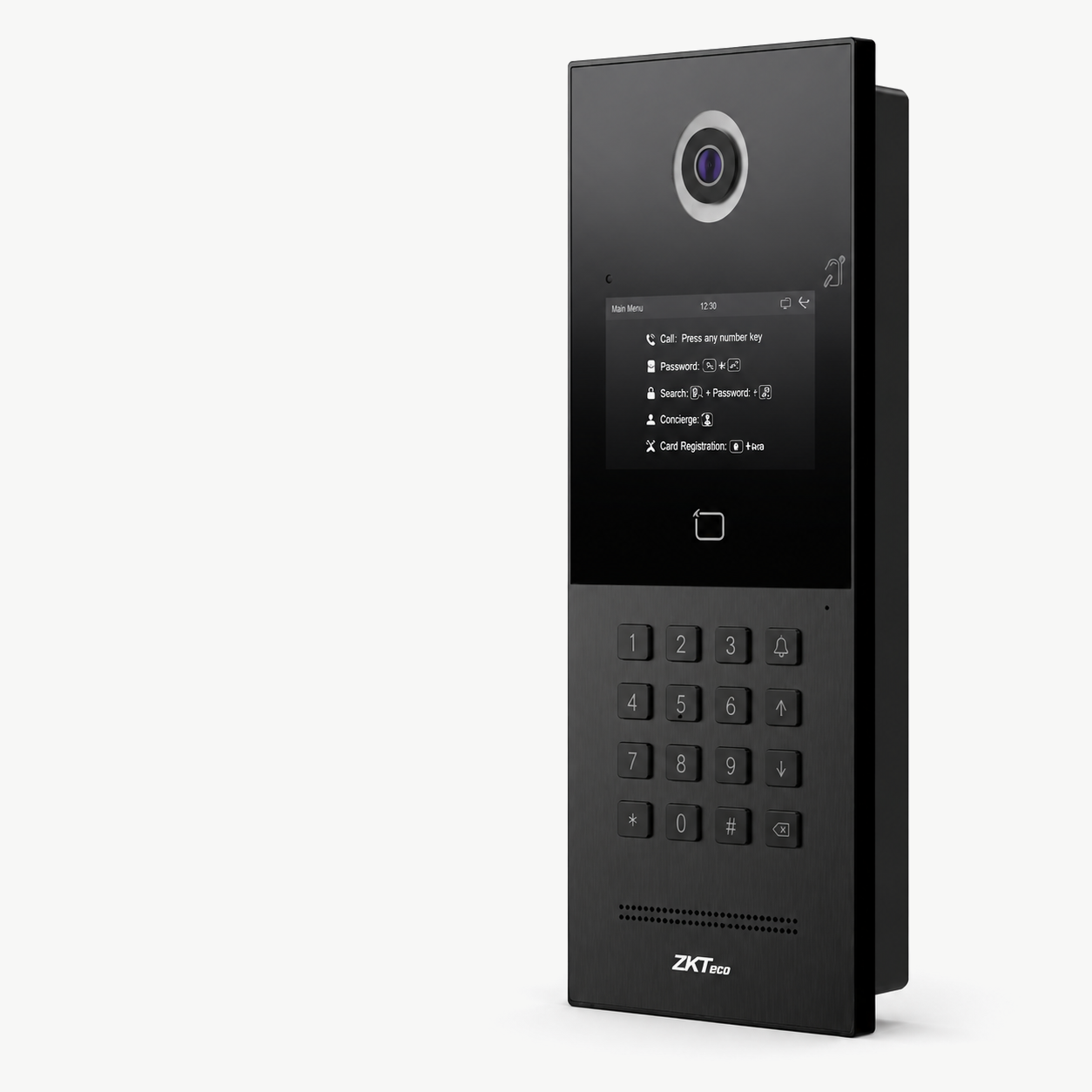
ConnectionIP / SIP PoE or 12V DC | What else to planA compatible endpoint and verified resident-calling/directory setup. Flush mount, 4.3-inch display and one relay. | |
|
Role & applicationOutdoor station Face, IC/ID card, NFC & PIN entry |
ConnectionIP / SIP PoE+ or 12V DC | What else to planCompatible answering devices and release circuits. Flush mount and three relays; check the PoE+ power budget. | |
|
Role & applicationIndoor monitor Reception or resident answering point |
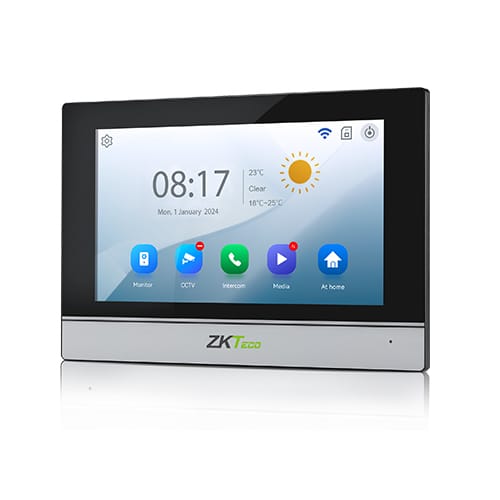
ConnectionIP / SIP PoE or 12V DC | What else to planA compatible outdoor station, SIP setup and confirmed unlock signalling. 7-inch touchscreen. |
Features describe individual devices. Confirm the exact pairing, firmware and calling/unlock configuration before ordering. SIP or ONVIF support is not an end-to-end compatibility guarantee.
More stations and monitors are available in the complete catalogue. Confirm current supply and the configuration for your site.
View all intercom products →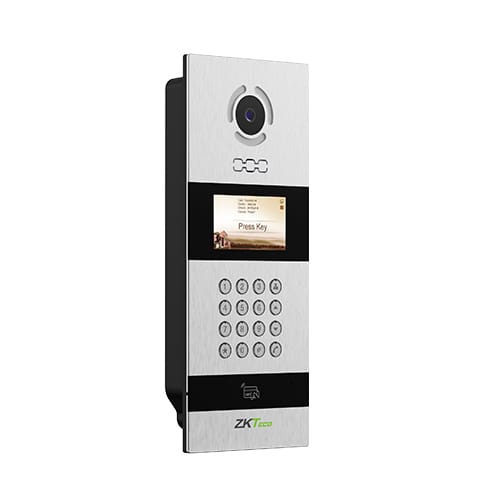
At a CP Group multi-tenant building in Auckland CBD, one VEX-B21L provides a single entrance point for visitor calling and supported access credentials.
System integration & installation
AR Electronics
Hardware supply & product support
NZTeco
AR Electronics selected and installed the station. NZTeco supplied the ZKTeco hardware and local product support.
See the CP Group intercom project →You do not need a technical specification. Start with these practical questions; your installer can help with the detailed checks.
One household, individual residents or a staffed reception desk? Decide where calls should go during the day and after hours.
Count the doors, gates and apartments involved. Shared buildings also need a plan for adding residents and keeping the directory current.
Choose an indoor monitor, reception endpoint or a verified mobile option. Mobile answering depends on the exact equipment, app service and setup.
Tell us the existing intercom, cabling, locks and access-control models if you know them. Existing equipment or cable may not be reusable.
A front door, pedestrian gate or vehicle gate may need different release hardware. Your installer will check power, connections and safe exit.
Consider rain, sun, mounting space and the visitor’s camera view. Tell us the site location and whether installation is already arranged.
Not sure what equipment is there? A model number or clear product photo can help us identify the next step.
Identify cable type, condition and distance before deciding whether it can be reused. Check 4-wire versus Ethernet architecture, PoE/PoE+ budgets, power supplies and network provision.
Record exact indoor/outdoor models, firmware and any SIP server. Verify registration, call routing, audio/video and unlock commands together. ONVIF viewing support is separate from intercom calling and release compatibility.
Check relay ratings, lock power, gate triggers, exit devices and door monitoring. The appointed installer must assess egress, fire-door interfaces, accessibility and electrical/door safety. A device rating does not establish site compliance.
For mobile answering, confirm the app, firmware, internet, service availability and any licence costs. For multi-tenant systems, confirm directory management and capacity. Plan mounting, camera sightlines, weather exposure and commissioning responsibilities. For wider staff and door permissions, explore access control.
Possibly. Your installer needs to identify the cable type, condition, distance and existing equipment. A 4-wire kit and an IP system have different requirements; do not order a replacement on wire count alone.
Some configurations support this. ZKTeco lists ZSmart for the VK07-C51L kit, but mobile functions depend on the exact equipment, app service, internet and setup. Ask us to confirm the proposed configuration rather than assuming all IP stations offer app access.
SIP support is a starting point for assessment. Registration, call routing, audio/video formats and unlock signalling must all be checked with the exact endpoint and firmware. ONVIF camera viewing is a separate capability and does not prove intercom compatibility.
NZTeco supplies hardware, product advice and local technical support. Installation and system integration are delivered by independent partner installers. Tell us the site location and scope so we can discuss an appropriate next step.
Share the site type, who needs to answer and any equipment you already have. We’ll help narrow the product options and the checks needed before a quote.
You do not need a finished system design to start the conversation.
How we handle your information → Installer or reseller? See technical planning →We use your details to respond to your enquiry.
Required: name, email and city/site location. Other details are optional. Avoid sharing access codes, passwords or sensitive security plans.
We’re a Licensed Security Company!
NZTeco Limited is officially licensed under the Private Security Personnel Licensing Authority (PSPLA).
License Number: 24-121944
License Classes: Security Technician & Security Consultant
Expiry Date: 22-11-2029
What does this mean?
It confirms that we meet the legal standards to provide professional and secure services in New Zealand, ensuring your peace of mind and trust in our solutions.
Being licensed ensures compliance with industry regulations, ethical practices, and accountability in delivering Access Control, CCTV, and other security solutions.
For more about the PSPLA and why choosing a licensed provider matters, visit the official PSPLA information page: https://www.pspla.govt.nz/ (opens in a new tab).