ARMATURA access control.
Plan the whole system.
Plan access across your buildings, doors and existing systems. NZTeco helps facilities teams, IT and installers select suitable ARMATURA readers, controllers and management software, with the integration and support requirements clearly defined.
New Zealand supply, system selection and technical support.

Horizon AHSC-1000 — the control layer in a wider access system.
Design the connections before choosing every device.
Start with doors, sites, credentials and existing systems. A typical Horizon architecture separates identification at the door, access decisions at the controller and administration in ARMATURA One.
At the door
Readers & credentials
Present a card, mobile credential or supported biometric. Match the reader to the credential, environment and door workflow.
Reader link: OSDP over RS-485 on supported combinations.
At the control layer
Horizon controllers
Apply access permissions and schedules, monitor door inputs and operate the lock outputs. Choose the controller topology for the site.
AHSC to AHDU: TCP/IP or ARMATURA RS-485, as designed.
At the management layer
ARMATURA One
Manage people, access rights and events through a web interface. Add relevant security modules to the project scope.
Server-based platform with browser access; hosting and licences are specified.
Horizon control, sized around the doors.
Use AHSC-1000 as a primary controller in a larger network. AHDU door units provide one, two or four door connections. The door count, reader direction, network and resilience requirements determine the final arrangement.
View AHSC-1000 primary controllerLocal operation and recovery matter as much as capacity. Include loss-of-server, network and power scenarios in commissioning.
Choose the door unit
1 door
For an individual controlled entrance.
2 doors
For a pair of nearby controlled doors.
4 doors
For several doors grouped around one panel.
Door-unit capacities shown for access-control mode. Elevator control uses a different design, with its own expansion and licensing requirements.
ARMATURA One brings the system together.
A web-based, server-installed platform for personnel, access rights and security events. Access control can sit alongside visitor, elevator, video and other project-selected modules.
Agree the supported server environment, database, network access, backup and administrator roles with IT. The proposal should identify modules, licences, capacity and ongoing responsibilities.
Discuss your software requirements
Manufacturer platform overview. Illustrated modules and integrations are specified separately for each deployment.
Choose the right integration route.
Reader to controller
Use a supported reader protocol and compatible credential format. OSDP Secure Channel also needs matching device support, firmware and key configuration.
Software to software
ARMATURA One has a documented REST API for third-party integration. Define the records, actions and event flow before selecting the interface and licensing.
Direct controller development
For supported Horizon controllers, ARMATURA documents its Phalanx protocol and SDK route. Device access, firmware, documentation and commercial terms need to be agreed for the implementation.
An API or protocol is a development route, not a finished connection to every HR, visitor or building system. Send the product names, versions and workflow you need.
Tell us what needs to connectChoose how people identify themselves.
Select the credential and reader together. Existing cards, phone policies, door location and enrolment requirements help narrow the choice.
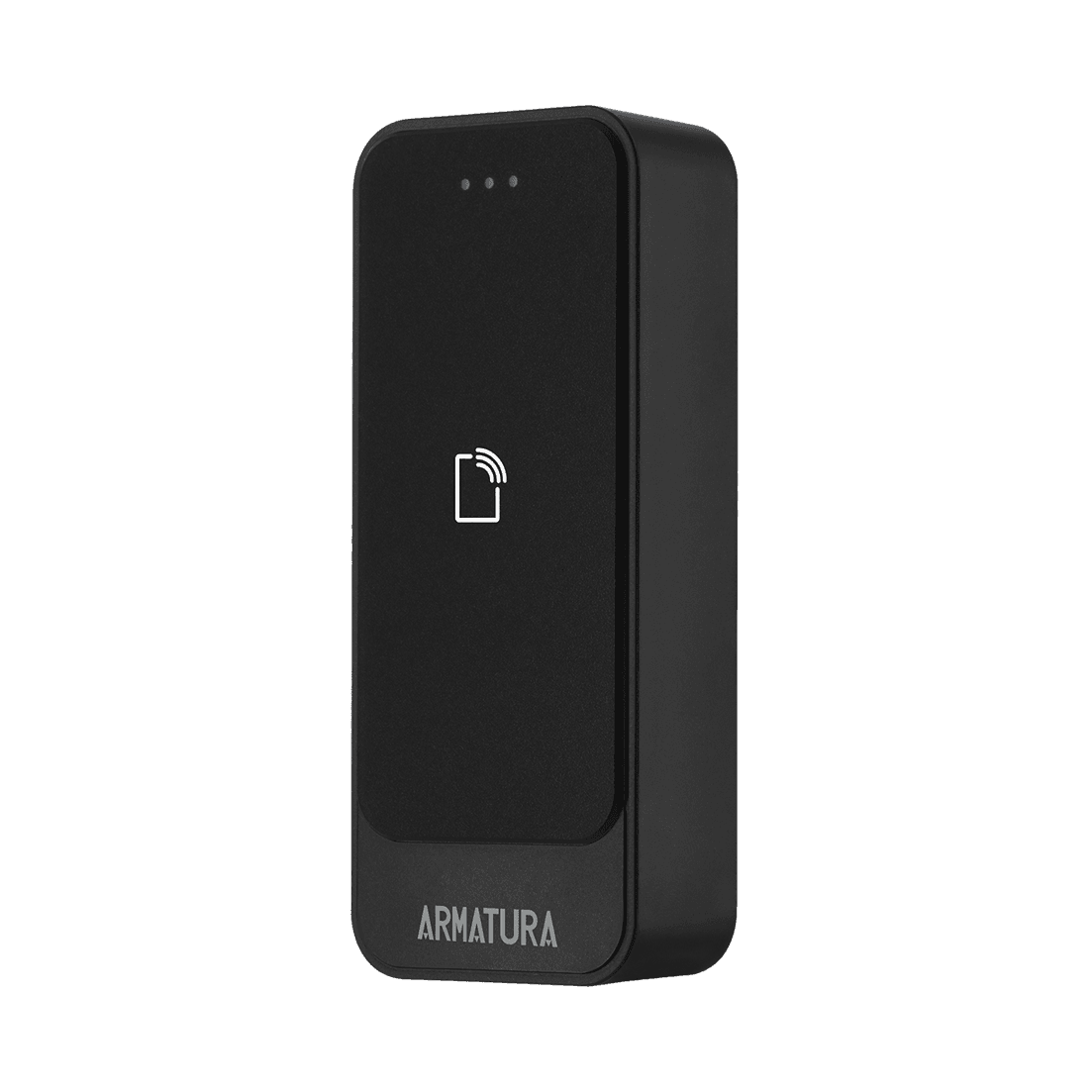
Compact card readers
EP10C suits narrow door frames and straightforward RFID access. Its slim outdoor-rated housing keeps the reader footprint small.
125 kHz / 13.56 MHz RFID. Check the actual card technology and controller configuration.
View EP10C reader
Cards, mobile & QR
EP20C series offers RFID and mobile-credential options. Choose CK for a keypad, CQ for QR, or CKQ for both.
Bluetooth mobile credentials; NFC for supported Android devices. QR needs the QR-equipped variant. Credential provisioning is part of the system design.
Compare EP20C variants

Face & palm terminals
OmniAC20 / OmniAC30 combine face and palm authentication with additional credential options. Choose the slim 20 or larger-screen 30 for the entrance.
IP66-rated terminals. Agree enrolment, privacy, fallback credentials and the supported integration mode.
Readers, terminals and software are not interchangeable by default. We specify the supplied variant, firmware and supported connection as part of your proposal.

Always Pilates, Auckland — existing project photograph.
ARMATURA readers in a real Auckland project.
Always Pilates uses an EP20C-series QR reader with a ZKTeco Atlas 260 controller for phone-based member access. Atlas applies membership validity periods and access schedules.
AR Electronics designed, installed and commissioned the system. NZTeco supplied the hardware and software and provided technical support.
This is a reader-and-Atlas implementation, not an ARMATURA One deployment or a claim of a standard membership-system integration.
Read the Always Pilates projectMake implementation part of the design.
A useful brief includes door and site counts, credentials, existing systems, network constraints and the team responsible for commissioning.
Explore turnstiles and entrance control Need a simpler door-access system?Can we retain existing readers or cards?
Possibly. Provide reader models, controller details, card technology and the credential format. We check the supported protocol, secure-channel requirements and features needed. An OSDP or Wiegand connection alone does not establish full compatibility.
What should IT prepare for ARMATURA One?
Identify the hosting owner, supported operating system and database, network paths between sites, certificates, backup and recovery plan, administrator access and maintenance responsibilities. Server sizing and software licensing are agreed for the selected deployment.
How should we plan offline operation?
Define which doors must continue working during a server, network or power interruption. Horizon supports local controller operation; the exact permissions, cross-controller behaviour, event recovery and backup power should be demonstrated during commissioning.
Can access control include elevators or turnstiles?
Yes, through the appropriate hardware, interfaces and software configuration. Elevator mode and destination-control integrations need their own expansion, licensing and coordination with the lift contractor. Turnstiles also need safe egress and release behaviour agreed with the installer.
Who handles installation and ongoing support?
NZTeco helps with product selection, supply, configuration guidance and technical support. Agree installation, locks, cabling, network work, safety interfaces and commissioning with your installer and IT team. NZTeco takes calls and emails 24 hours a day for direct support; on-site support is available during business hours.
Tell us about your access-control project.
Share the buildings, doors and systems you need to connect. We’ll help you select suitable ARMATURA hardware and software, then agree the integration and installation requirements with you and your team.
An outline is enough to start. We can work through the topology and technical detail during follow-up.
Call 09 3205 396Name, email and city / site location are required. Other questions are optional.