ZKTeco News
ZKTeco Recognised with 2026 Secure Campus Award for Cloud Access Control
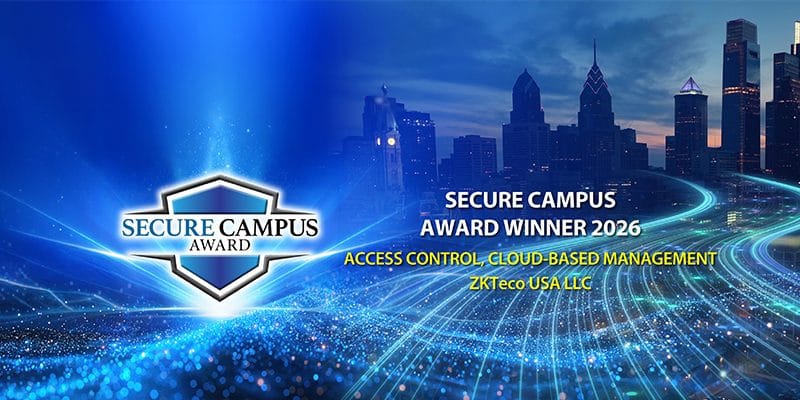
ZKTeco USA’s Certus platform has received the 2026 Secure Campus Award in the Access Control, Cloud-Based Management category. The recognition highlights a wider shift towards centralised, connected access control across campuses, commercial properties and multi-site organisations.
What did ZKTeco win?
ZKTeco USA received the 2026 Secure Campus Award for Certus, its cloud-native access control platform. The award is presented by Campus Security Today and recognises products developed for safer, more manageable education and business campus environments.
Certus was selected in the Access Control, Cloud-Based Management category. ZKTeco says the platform supports central management across buildings and sites, live monitoring, alerts, visitor management, mobile access and integration with compatible ZKTeco biometric hardware.
The important part is not simply that the software runs in the cloud. The award recognises the ability to manage people, credentials, visitors, doors and events as one connected operation.
- 01 Centralised multi-site management Manage access across several buildings or locations from one platform.
- 02 Live monitoring and alerts Give security teams a clearer view of events requiring attention.
- 03 Visitor workflows Coordinate temporary access without treating every visitor as a permanent user.
- 04 Mobile operation Support authorised remote access to selected management functions.
- 05 Connected ZKTeco hardware Bring compatible readers and biometric terminals into the wider platform.
Campus access control is not only for universities
In security planning, a campus can be any property where several buildings, entrances or user groups need to be managed together. That includes schools and universities, but also commercial developments, industrial sites, retirement villages, healthcare facilities and organisations operating from several locations.
Where central management becomes useful
Separate systems may be manageable when a site has only one or two doors. The workload changes when the organisation must add and remove people across several buildings, assign access by role or schedule, manage contractors, review alarms and produce consistent reports.
A well-designed central platform can reduce duplicate administration and make it easier to see what is happening across the site. It also provides a stronger base for visitor management, mobile credentials, video linkage and other integrations where these are genuinely required.
For a broader explanation, see our guide to cloud-based access control for New Zealand businesses.
What similar options are available in New Zealand?
Certus is a US-market solution and is not currently part of the New Zealand offering. That does not leave local projects without a path forward. Many of the underlying requirements highlighted by the award can be addressed through ZKBioCVSecurity or the ARMATURA ecosystem, depending on the scale and design of the project.
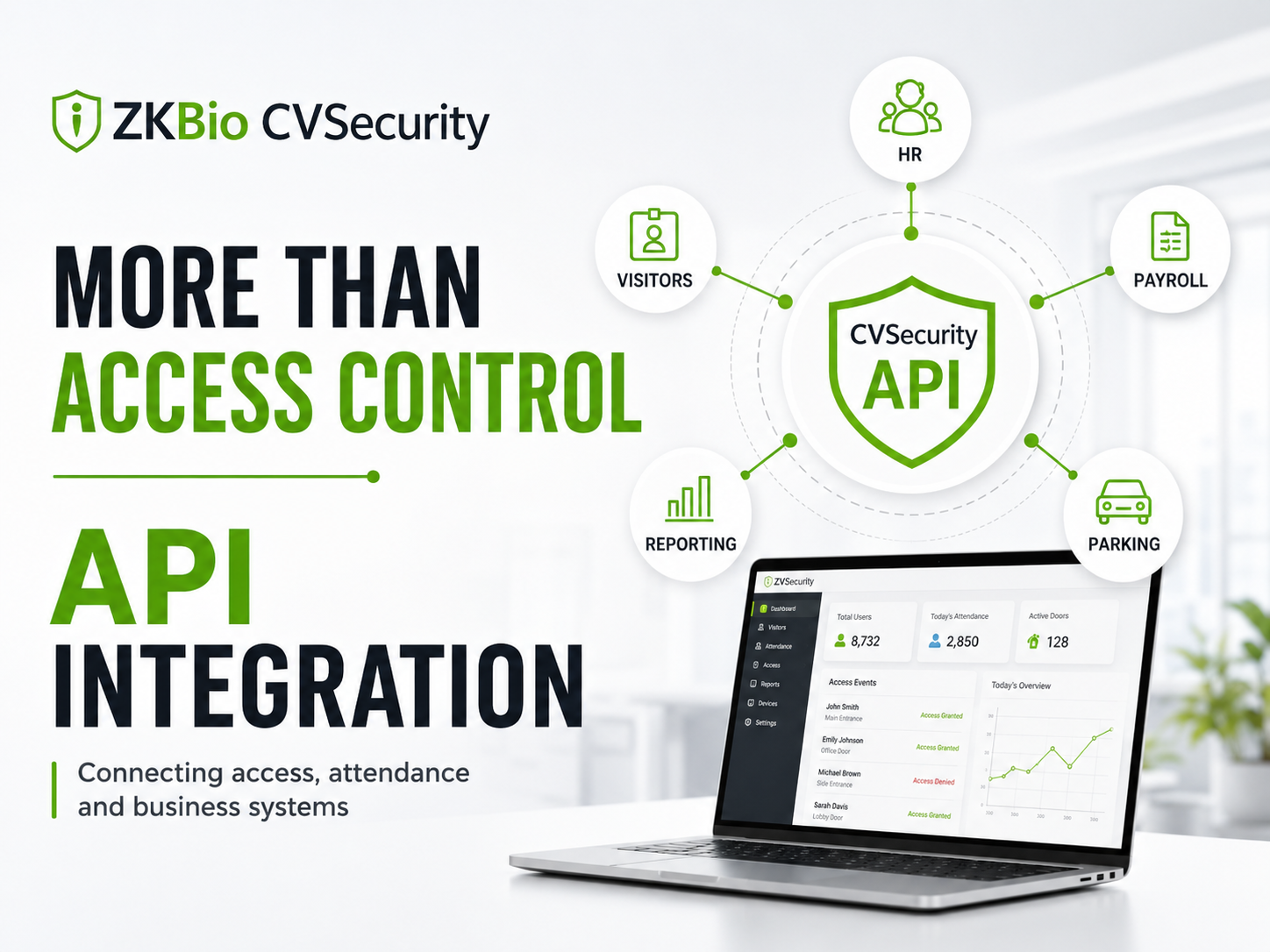
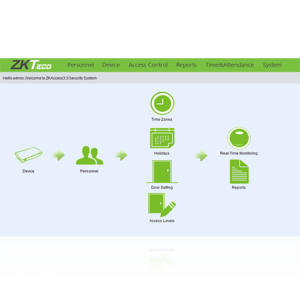
ZKBioCVSecurity is ZKTeco’s web-based security management platform. Depending on licensing, compatible hardware and project configuration, it can bring together access control, personnel, visitors, elevators, parking, video and other supported functions. For projects that need to exchange data with other systems, see our ZKBioCVSecurity API integration guide.
It is primarily deployed on infrastructure controlled by the customer or its appointed service provider. This can suit organisations that want the main application and database retained within their own environment while still using a browser-based interface and selected mobile functions.
ARMATURA access control is positioned for more demanding commercial, enterprise and higher-security projects. The web-based ARMATURA One platform includes integrated modules for access control, personnel, visitors, elevators, parking, video management and other building or security functions.
It is worth considering where the project requires advanced controllers, secure reader communication, mobile credentials, elevator control or a more complex integration architecture. The final design still needs to be checked against the site, risk level and required standards.
| Platform | General position | Deployment approach | Typical consideration |
|---|---|---|---|
| Certus | US-focused cloud access control | Cloud-native | Centralised multi-site management with reduced local server infrastructure |
| ZKBioCVSecurity | Integrated ZKTeco security management | Primarily on-premise and web-based | Access control and supported security modules managed within the customer’s environment |
| ARMATURA One | Enterprise and higher-security management | Modular, web-based platform | Advanced controllers, elevator control, mobile credentials and broader integrations |
These platforms are not direct copies of one another. The right choice should come from the project requirements, rather than whichever option has the longest feature list.
Modern access control does not mean biometric-only
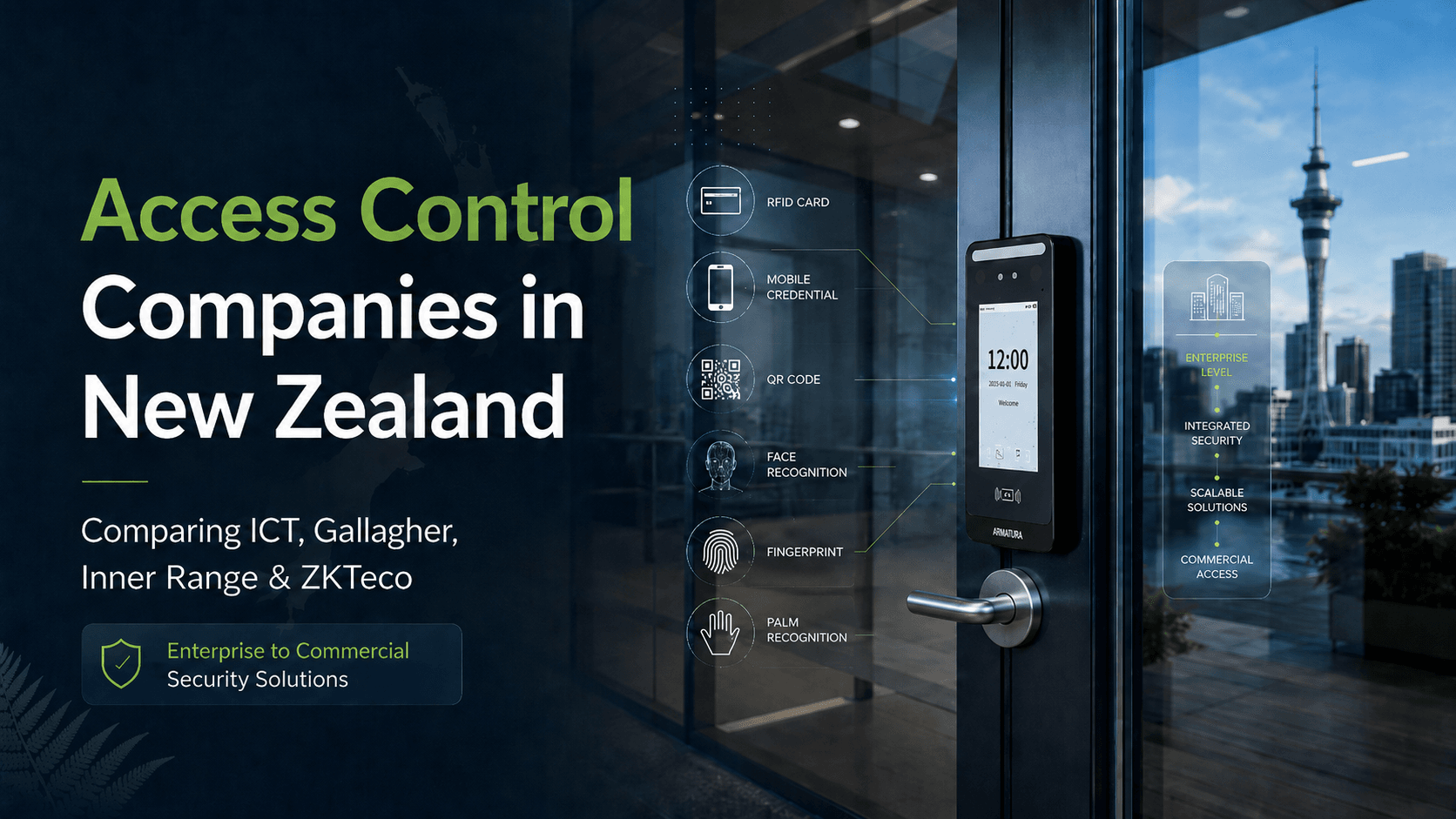
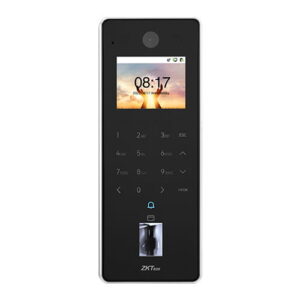
ZKTeco is well known for face, fingerprint and palm recognition, but centralised access control can use several credential types. The best method depends on the users, the entry point, the risk and how frequently access changes.
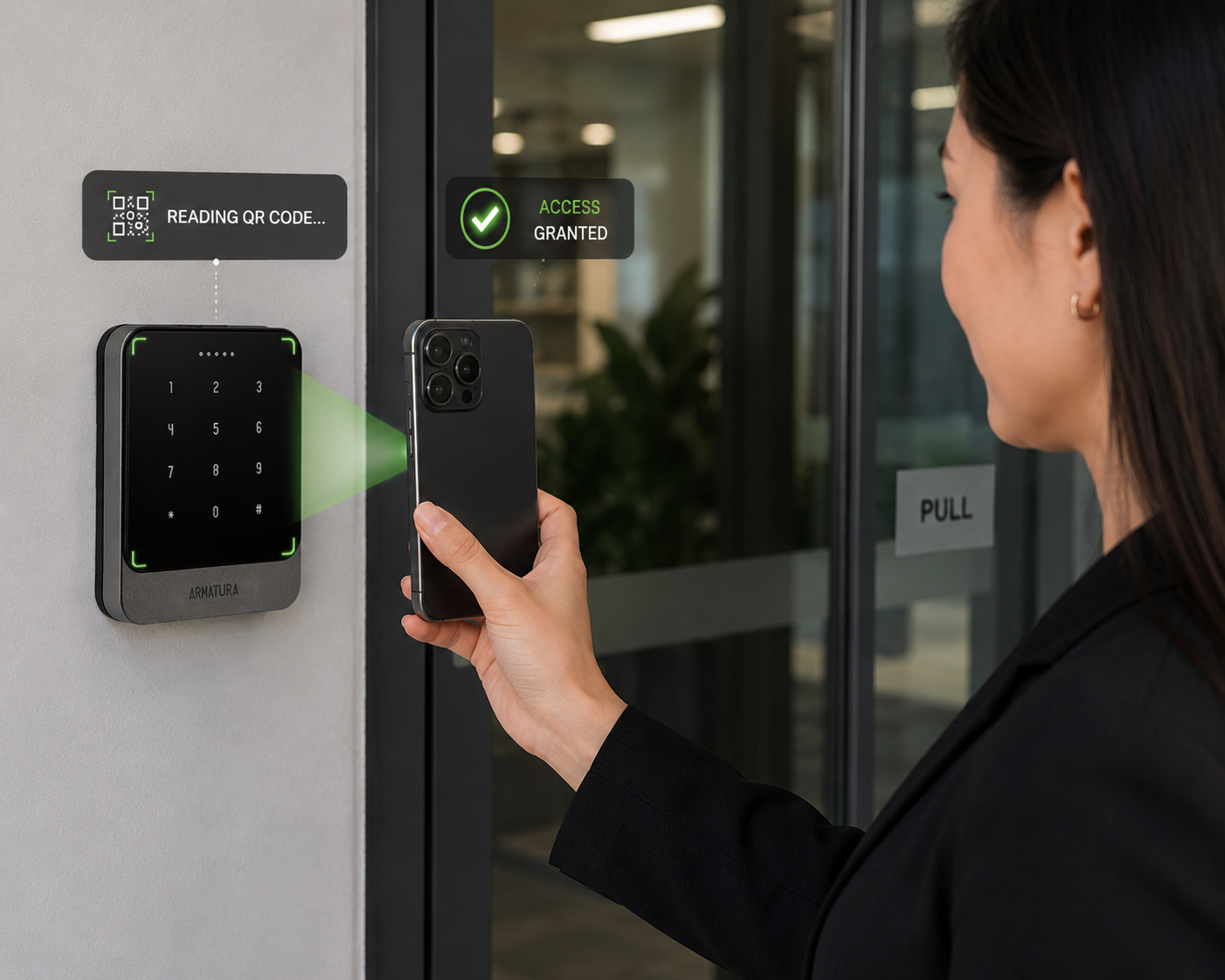
Many real projects combine methods. A commercial site might use mobile credentials for office staff, QR codes for visitors, RFID for contractors and biometric verification only at selected restricted areas.
Read more about face, palm, QR, mobile and vehicle access options.
Privacy needs to be part of the system design
New Zealand organisations considering facial, fingerprint, palm or other biometric processing should address privacy before enrolling users. The Biometric Processing Privacy Code 2025 came into force on 3 November 2025. The transition period for organisations already using biometric processing ends on 3 August 2026. Our New Zealand biometric privacy guide gives a practical access control overview.
Practical points to establish early
Confirm why biometric processing is needed, whether a less privacy-intrusive method could work, what information is collected, where it is stored, who can access it, how long it is retained and which safeguards apply.
The technology may be suitable, but that does not remove the organisation’s privacy responsibilities. Specialist privacy or legal advice may be appropriate for sensitive or large-scale deployments.
Questions to answer before choosing the platform
Software selection becomes much easier once the operating requirements are clear. These questions should be answered before settling on a product or licence.
- How many doors, buildings and locations need to be managed?
- Who will administer users, visitors, schedules and access levels?
- What must continue working if the internet connection or central server is unavailable?
- Which credentials will staff, visitors, contractors and vehicles use?
- Is mobile operation required, and which functions should be available remotely?
- Does access control need to connect with video, elevators, HR, visitor or other software?
- Where will personal and biometric information be stored?
- Who is responsible for backups, updates, cybersecurity and ongoing support?
- Is the proposed hardware fully compatible with the selected platform and licence?
- Can the system grow without replacing the core architecture?
A useful recognition for the wider ZKTeco ecosystem
The Certus award reflects the direction of modern access control: central management, live visibility, visitor control, mobile operation and better coordination between hardware and software. For New Zealand projects, the starting point is not choosing a reader. It is defining how the organisation needs to manage its doors, people, visitors, credentials and security information.
Frequently asked questions
Is ZKTeco Certus available in New Zealand?
Certus is currently a US-market platform and is not presently offered through the New Zealand range. Depending on the project, similar centralised or integrated requirements may be addressed using ZKBioCVSecurity or ARMATURA solutions.
Is ZKBioCVSecurity a cloud access control system?
ZKBioCVSecurity is primarily an on-premise, web-based security management platform, rather than a direct cloud-native equivalent to Certus. Selected mobile and connected functions may be available depending on the version, licensing, configuration and network design.
Can a central access control system use cards or QR codes?
Yes. Depending on the selected readers, terminals, controllers and software, a system can support RFID cards and fobs, PINs, QR codes, mobile credentials and biometric methods such as face, fingerprint or palm recognition.
Can access control connect with other business or security software?
Some ZKTeco and ARMATURA platforms provide APIs or supported integrations. The exact workflow, data fields, security requirements and responsibilities of each system provider should be confirmed before implementation.