



01
Digital menu boards and commercial displays
Wall-mounted, standing, portable, desktop, shelf and outdoor displays for restaurant and takeaway menus, hotel information, promotions, wayfinding and workplace communication.
Commercial displays, LED, ScreenDirect software, electronic shelf labels, kiosks and analytics—planned as one practical system with local advice from NZTeco.
NZ-based product guidance · Nationwide supply · Official ZKTeco Partner for New Zealand

ZKDigimax is a commercial display and smart-retail range covering digital signage screens, modular LED, content management software, electronic shelf labels, kiosks and supporting analytics. The right result starts with the environment and the job the display needs to do—not simply the biggest screen.
01
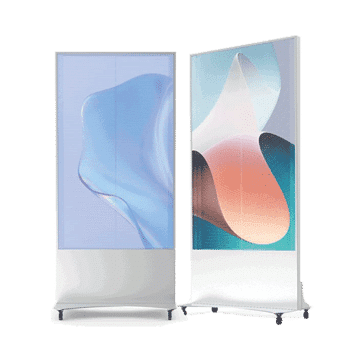
Wall-mounted, standing, portable, desktop, shelf and outdoor displays for restaurant and takeaway menus, hotel information, promotions, wayfinding and workplace communication.
02
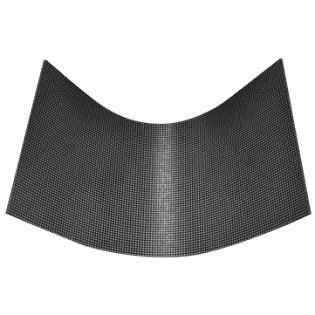
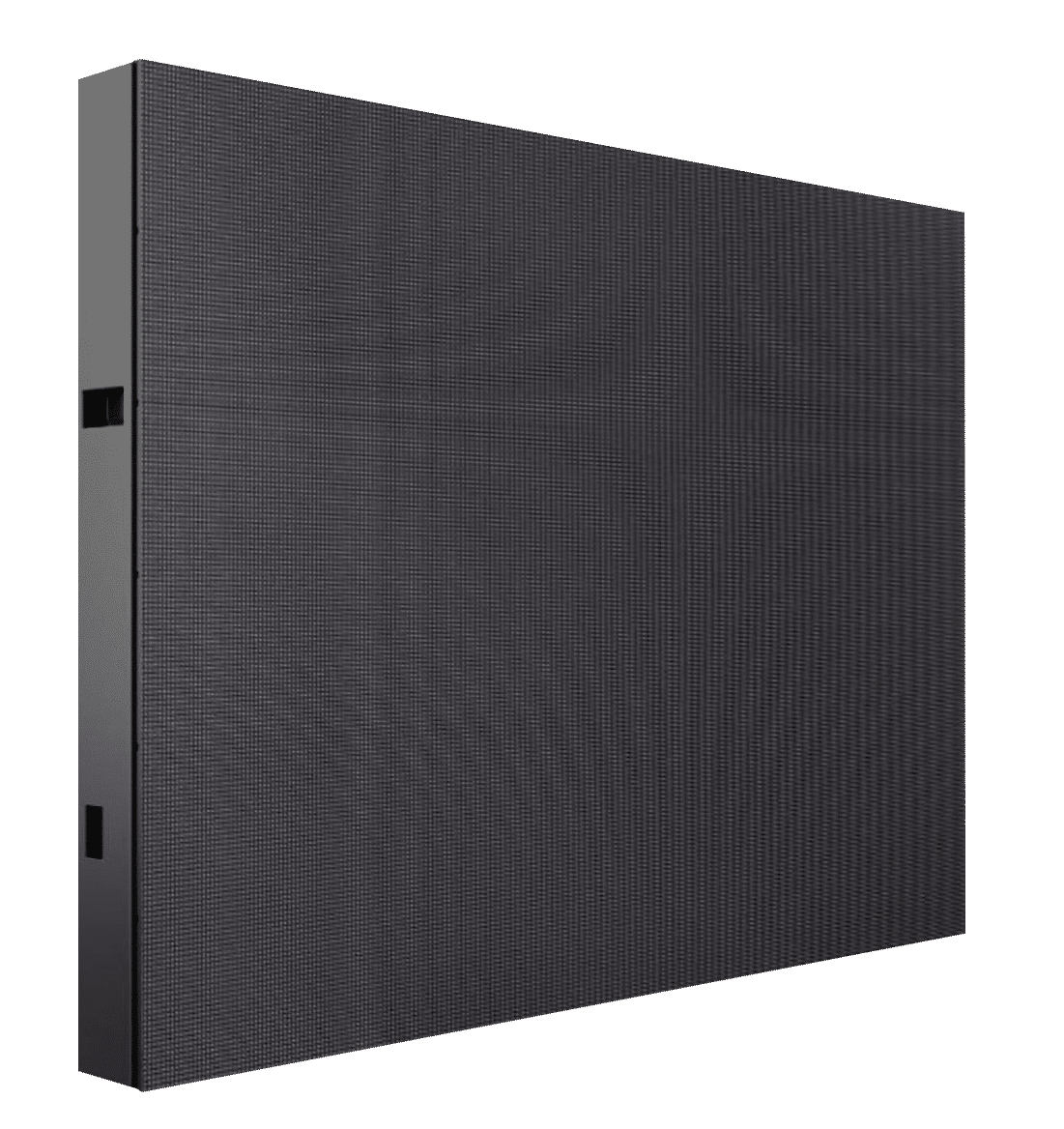
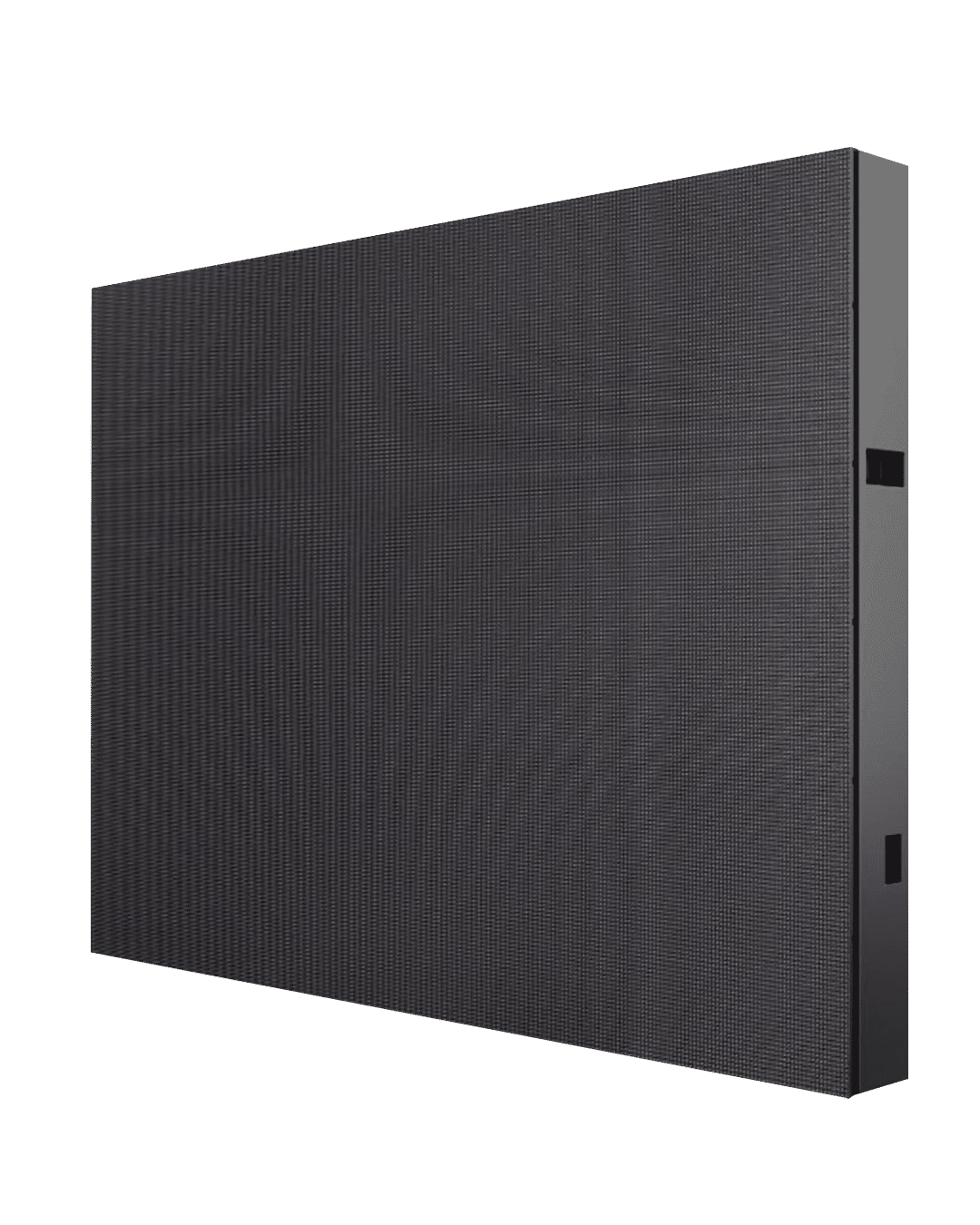
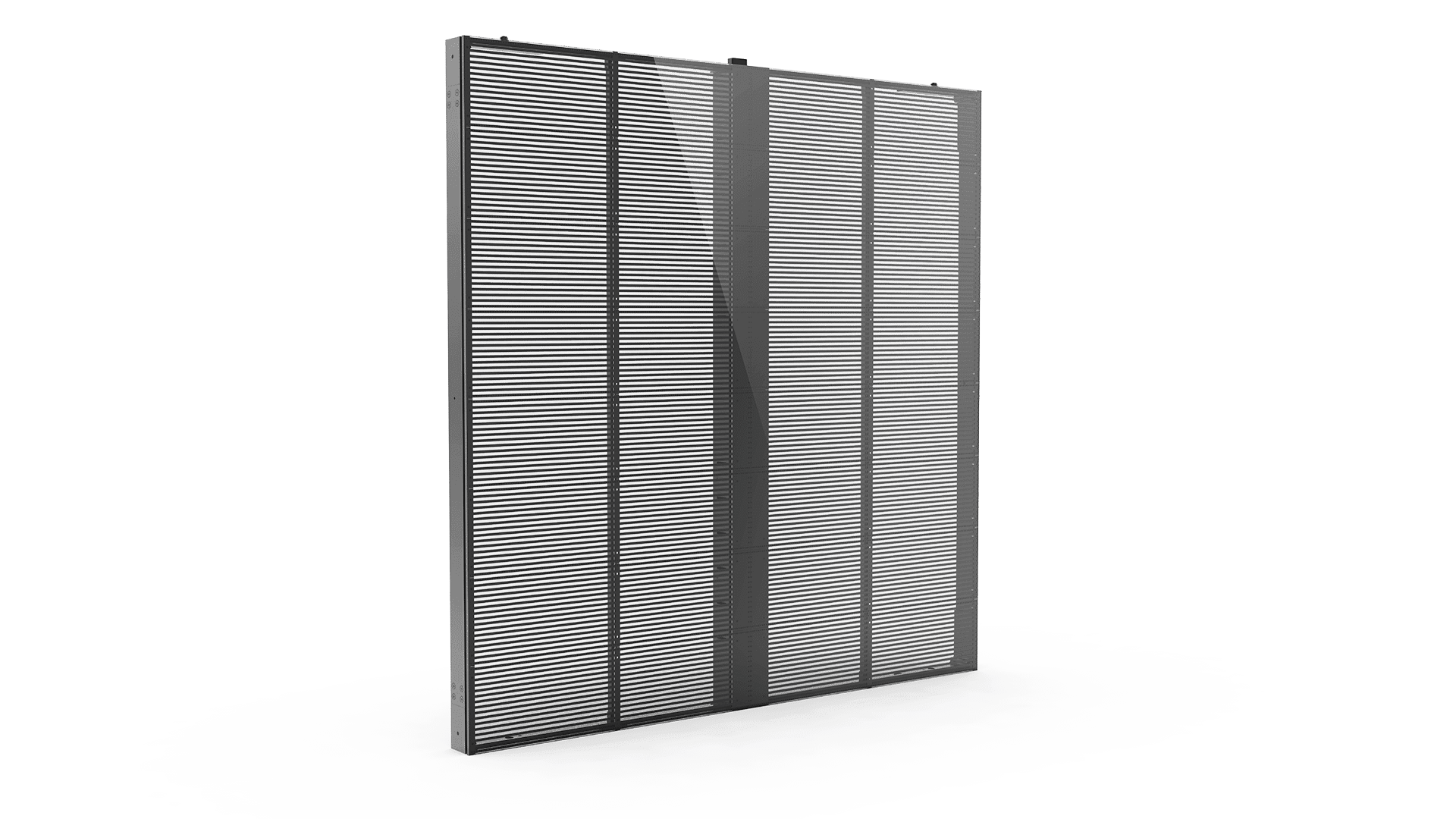
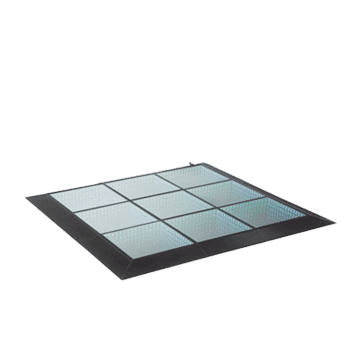
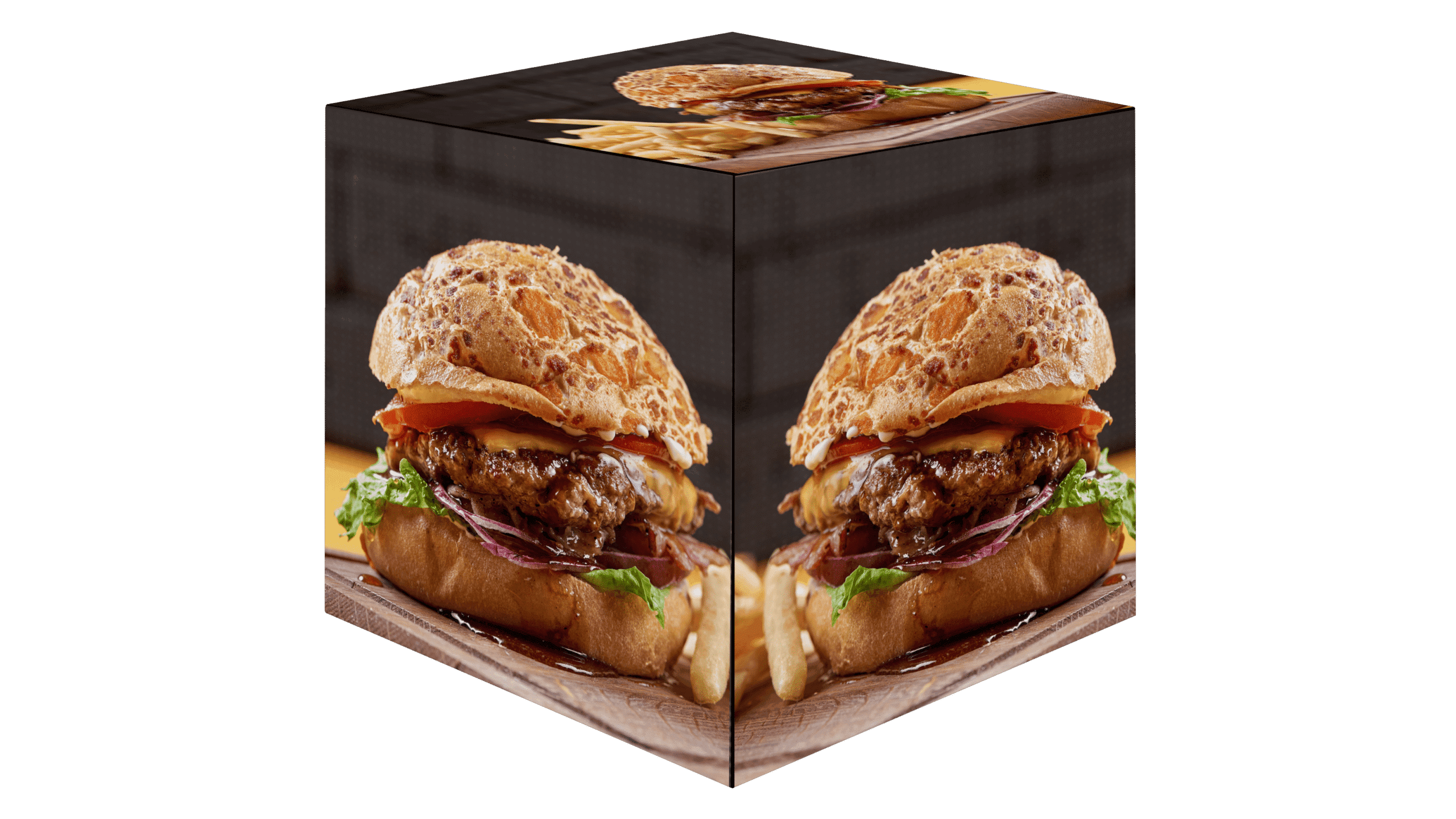
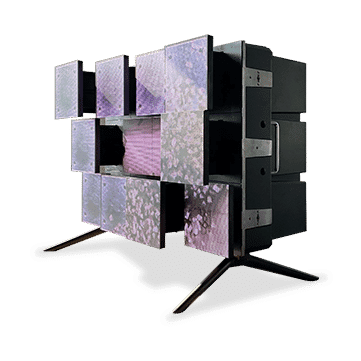
Scalable LED, COB, flexible, transparent and creative display formats for hotel lobbies, venues, shopfronts and outdoor advertising where viewing distance, brightness or a custom shape matters.
03
Create, schedule, publish and monitor menu, promotion and wayfinding content across compatible screens from web or mobile, with advanced analytics available for selected projects.
04
Digital price tags and shelf-edge displays for retailers, supermarkets and convenience stores that need clearer product information, more consistent pricing workflows and timely promotions.
05
Interactive ordering and selected POS/payment formats for restaurants, takeaways, cafés and service counters. Integration requirements remain confirmed project by project.
06
People-counting sensors, selected audience analytics, directional audio and supporting hardware for entrances, venues and hospitality spaces with a defined measurement or engagement use case.
Application examples
From menu boards and shelf pricing to window-facing displays and creative LED, ZKDigimax formats can be matched to the viewing distance, content workflow and physical space.
Application imagery is illustrative. Final model, mounting, brightness and content requirements should be confirmed for each site.


A practical shortlist based on where the message appears, how often it changes and what the audience needs to do. NZTeco can help confirm brightness, size, mounting, connectivity and software before a quote is finalised.
01
Restaurants, cafés, takeaways, food courts and service counters with price, promotion or daypart changes.
Commercial LCD displays with ScreenDirect; add kiosks where customer ordering is part of the brief.
02
Hotels, offices, venues, healthcare and public-facing facilities needing visitor information or guidance.
Standing, wall-mounted, directory, meeting-room or outdoor-rated signage depending on the location.
03
Retail, stages, showrooms, atriums, building exteriors and experience-led environments.
Indoor, outdoor, COB, flexible or transparent LED selected around viewing distance and installation conditions.
04
Supermarkets, specialist retail and multi-department venues where information needs to sit close to stock.
Electronic shelf labels, bar signage or compact counter displays, subject to the required data workflow.
05
Groups that need consistent content with different schedules, locations or campaigns.
ScreenDirect Web or Mobile with compatible players and displays; confirm network and administration requirements.

Hardware is only half of a digital signage project. ScreenDirect provides web and mobile routes for managing compatible displays, helping teams keep menus, campaigns and information current without treating every screen as an isolated device.
01
Upload
02
Organise
03
Schedule
04
Publish
05
Monitor
ZKDigimax is broad enough to cover a single welcome screen or a connected multi-site display network. These examples show how product families can work together; exact hardware and integration are confirmed during project planning.
Manufacturer case material provides useful examples of how the range has been used overseas. NZTeco draws on that product experience when helping New Zealand customers plan practical display projects.
These are ZKDigimax manufacturer examples, not claims that NZTeco delivered the overseas installations.
Digital menu content and central management used to support time-based menus, location-specific content and more consistent updates across a restaurant network.
A multi-location digital menu implementation designed around faster content changes, menu scheduling and consistent presentation across outlets.
Electronic shelf labels used in the venue's marketplace area to support clearer pricing and a more streamlined update process.
A mix of wall-mounted and standing digital signage used across premium supermarket environments for promotions and customer communication.
Flexible and indoor LED used as a visual focal point supporting the boutique hotel's distinctive interior experience.
A useful brief prevents an attractive screen from becoming the wrong screen. These six questions give NZTeco enough context to narrow the range and flag integration or installation work early.
01
Indoor or outdoor, ambient light, weather exposure, operating hours and available wall, floor, counter or ceiling space.
02
Typical viewing distance, audience movement, dwell time and whether the content is informational, promotional or interactive.
03
Images, video, menus, price data, live information or touch content—and who is responsible for creating and approving it.
04
Occasional USB updates, scheduled campaigns, daily menu changes or central management across multiple sites.
05
Network access, existing screens, content sources, POS, payment, product data or third-party platforms. Compatibility is confirmed before it is promised.
06
Mounting, power, data, access equipment, commissioning, content training and the support path once the system is live.
Short answers to the points that usually shape an initial digital signage conversation.
ZKDigimax is a commercial display and smart-retail range that includes digital signage screens, LED displays, electronic shelf labels, kiosks, content-management software and selected analytics hardware.
ScreenDirect is designed to manage compatible screens and content from web or mobile workflows. The number of sites, network design, user roles and required monitoring should be confirmed during scoping.
Some software and player configurations may work with existing screens, but compatibility, inputs, orientation, operating hours and remote-management requirements need to be checked first.
Commercial LCD is usually suited to standard screen sizes and closer viewing. LED becomes useful for larger canvases, longer viewing distances, higher-brightness environments or custom shapes. The installation conditions decide the better route.
Yes, selected outdoor standing signage and outdoor LED products are listed by NZTeco. The correct model depends on weather exposure, brightness, operating temperature, mounting and access for maintenance.
Yes. NZTeco can help narrow the product range, identify software and connectivity requirements, and prepare a clearer brief for pricing and implementation. Third-party integration and installation responsibilities are confirmed as part of that process.
Tell us where the displays will be used, what content they need to show and how many locations are involved. The solution builder will organise those requirements for an NZTeco review.
We’re a Licensed Security Company!
NZTeco Limited is officially licensed under the Private Security Personnel Licensing Authority (PSPLA).
License Number: 24-121944
License Classes: Security Technician & Security Consultant
Expiry Date: 22-11-2029
What does this mean?
It confirms that we meet the legal standards to provide professional and secure services in New Zealand, ensuring your peace of mind and trust in our solutions.
Being licensed ensures compliance with industry regulations, ethical practices, and accountability in delivering Access Control, CCTV, and other security solutions.
For more about the PSPLA and why choosing a licensed provider matters, visit the official PSPLA information page: https://www.pspla.govt.nz/ (opens in a new tab).