

TL;DR
ZKBio Time Cloud: best for teams who want no server to manage, easy remote access, and simple payroll exports.
ZKBio Time 9.0: software you host yourself on your own server or computer. Solid for sites that must keep everything on-prem.
You can trial both. For Cloud, start small and scale; for 9.0, install on a dedicated PC/VM and test with one device first.
What each option is
ZKBio Time Cloud is hosted on Amazon Web Services (AWS) and works from any browser or mobile app. It’s great for businesses that want easy management and remote access.
ZKBio Time 9.0 is time & attendance software you install on your own server or computer. It works on your internal network and handles scheduling, shifts, and reporting.
Quick comparison: ZKBio Time Cloud vs ZKBio Time 9.0
| Area | ZKBio Time Cloud | ZKBio Time 9.0 |
|---|---|---|
| Hosting | Hosted on AWS. No server required. Access from any browser or mobile app. | Installed on your own server or computer. Access over your internal network, or via secure VPN/port configuration. |
| Remote access | Built for remote access from anywhere with internet. | Remote access possible, but depends on how the server is configured (VPN, port forwarding or hosted VM). |
| Core features | Timetables, shifts, overtime rules, leave management, real-time dashboard and 30+ built-in reports. | Timetables, shifts, overtime rules, leave management and full reporting inside your own environment. |
| User roles & permissions | Multiple user roles with access control by site, department or function. | Multiple user roles with access control by site, department or function. |
| Security responsibility | Secure AWS hosting with encrypted connections. Updates and maintenance handled automatically. | You manage server security, backups, updates and infrastructure. |
| Mobile options | ZKBio Time mobile app with clock-in/out and geo location (if enabled). | Mobile app supported. Remote access depends on server/network configuration. |
| Integrations | Payroll-ready exports (CSV/XLSX). Ralvie AI integration available. | Payroll exports plus optional API integration for ERP/HR systems. |
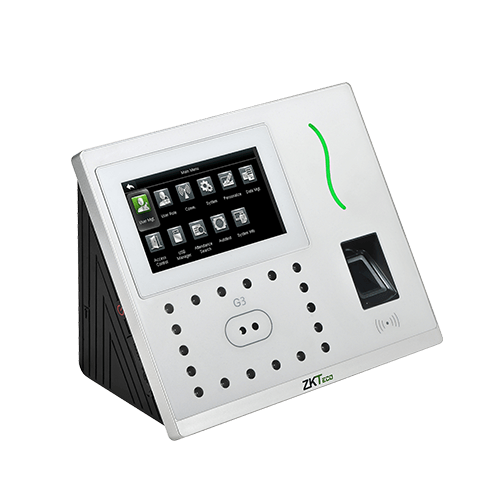
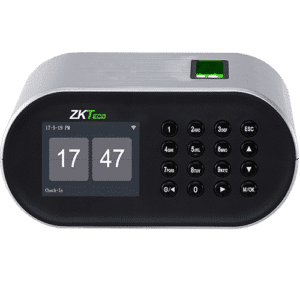
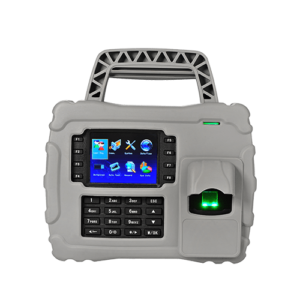
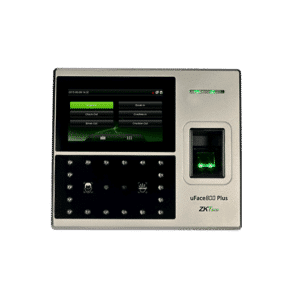
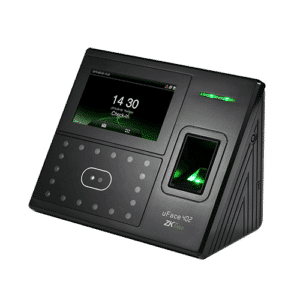
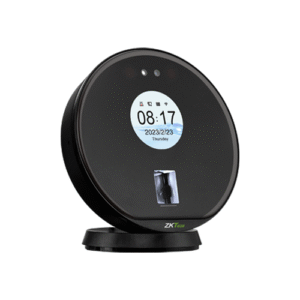
| Device support | Works with ZKTeco push communication devices (e.g. SpeedPalm, SpeedFace and similar models). | Same device compatibility. You control how devices connect to your server. |
| Free trial | Free trial available. | Free trial available. |
| Best for | Multi-site businesses that want minimal IT management and easy remote access. | On-premise environments that prefer to host and control everything internally. |
Who should pick Cloud
Choose Cloud if you want:
No server maintenance and easy scale to more devices/sites.
Anywhere access for managers (browser/mobile), with staff self-service options.
Simple payroll workflow using CSV/XLSX exports you can map once and reuse. (Keeps you in “assist payroll” territory, not deep integration.)
Who should pick 9.0
Pick 9.0 if you need:
On-prem control (keep data inside your network/VPN).
API on your terms for ERP/HR synchronisation without exposing a cloud endpoint.
A stable, web-based UI that runs from a server you manage.
Features you’ll care about
Timetables, shifts, and exceptions
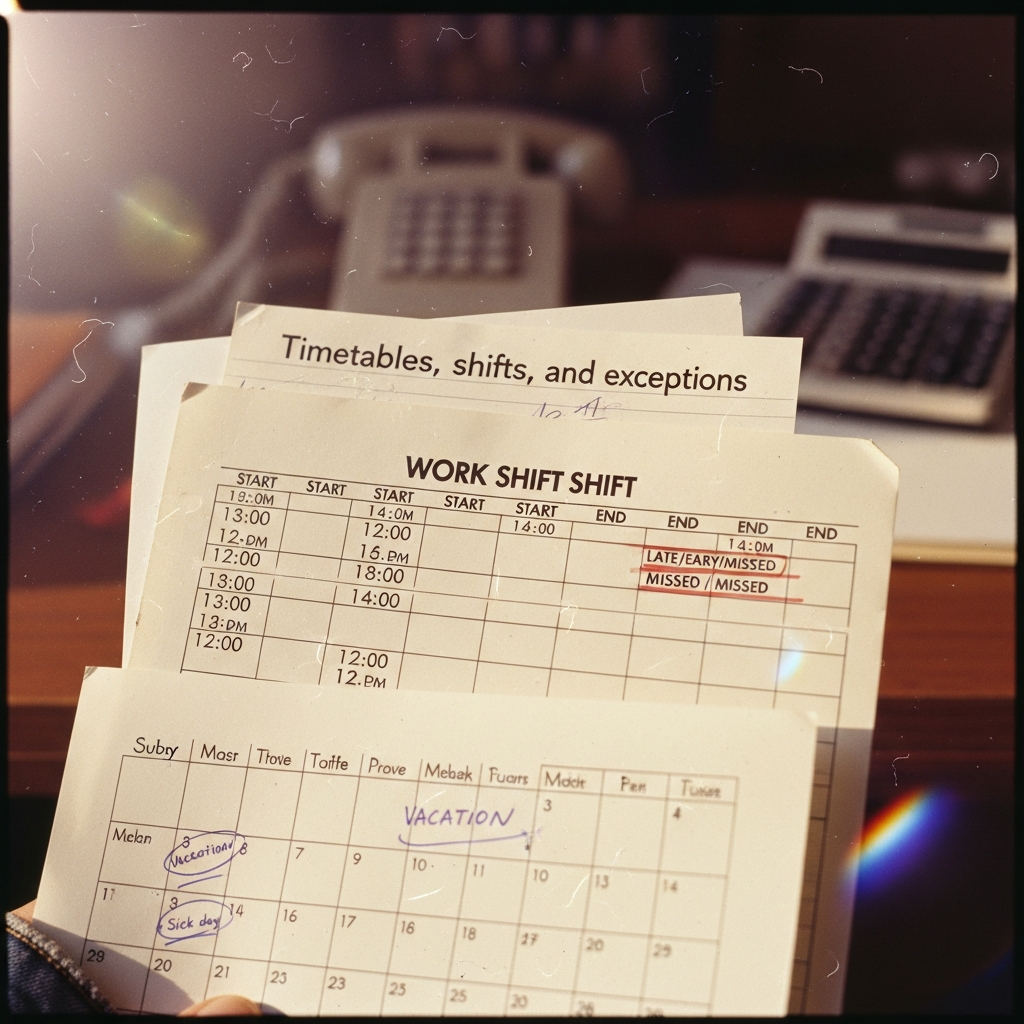
Both platforms handle standard time, flexible shifts, and exception reporting (late/early/missed). Cloud adds remote convenience; 9.0 keeps the same logic on-prem.
Mobile self-service
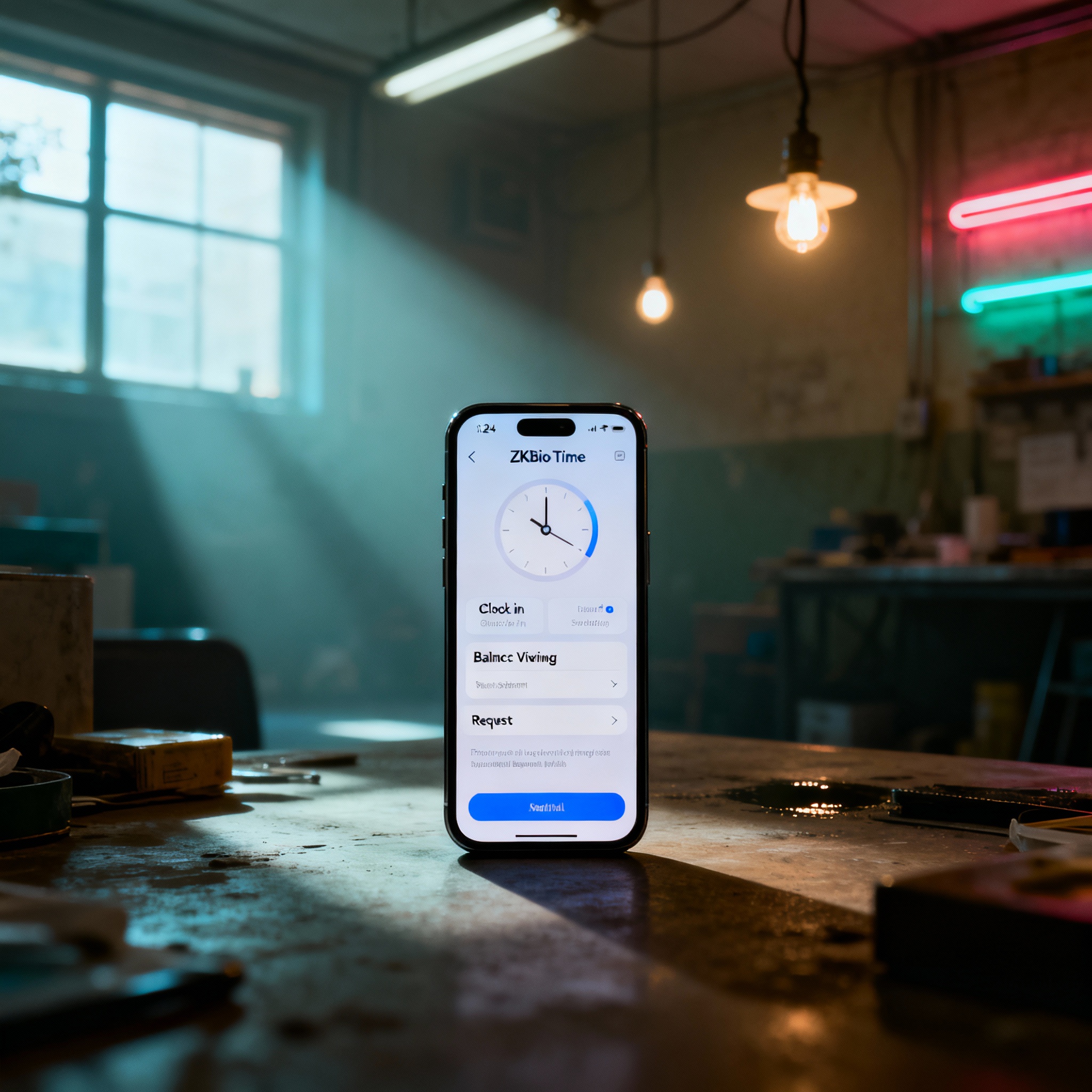
The ZKBio Time mobile app lets employees clock (where enabled by policy), view balances, and submit requests. In Cloud, this is native; in 9.0, you expose the on-prem server for the app.
Device compatibility
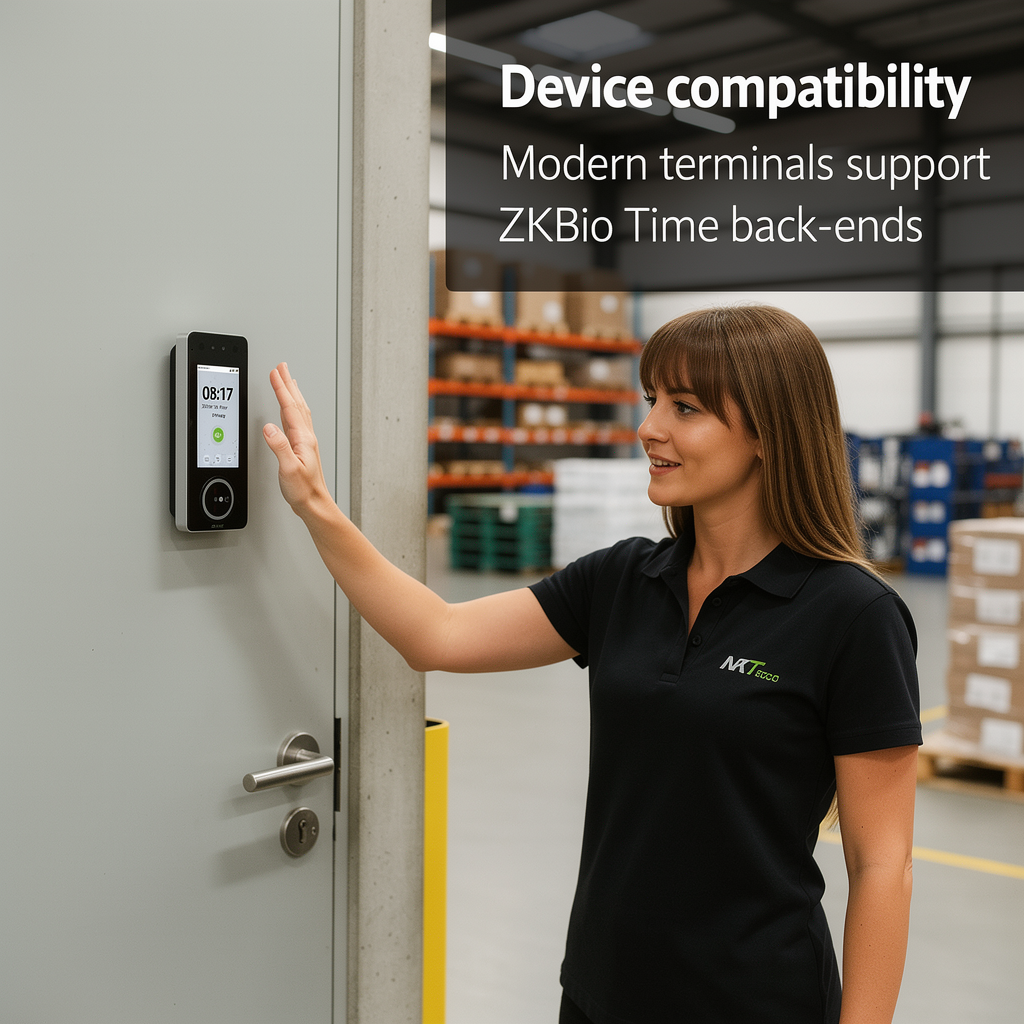
Modern terminals (e.g., SpeedPalm V5L) list ZKBio Time among supported back-ends; placement and lighting still matter, but WDR cameras on current models help with tricky entries.
Security and compliance
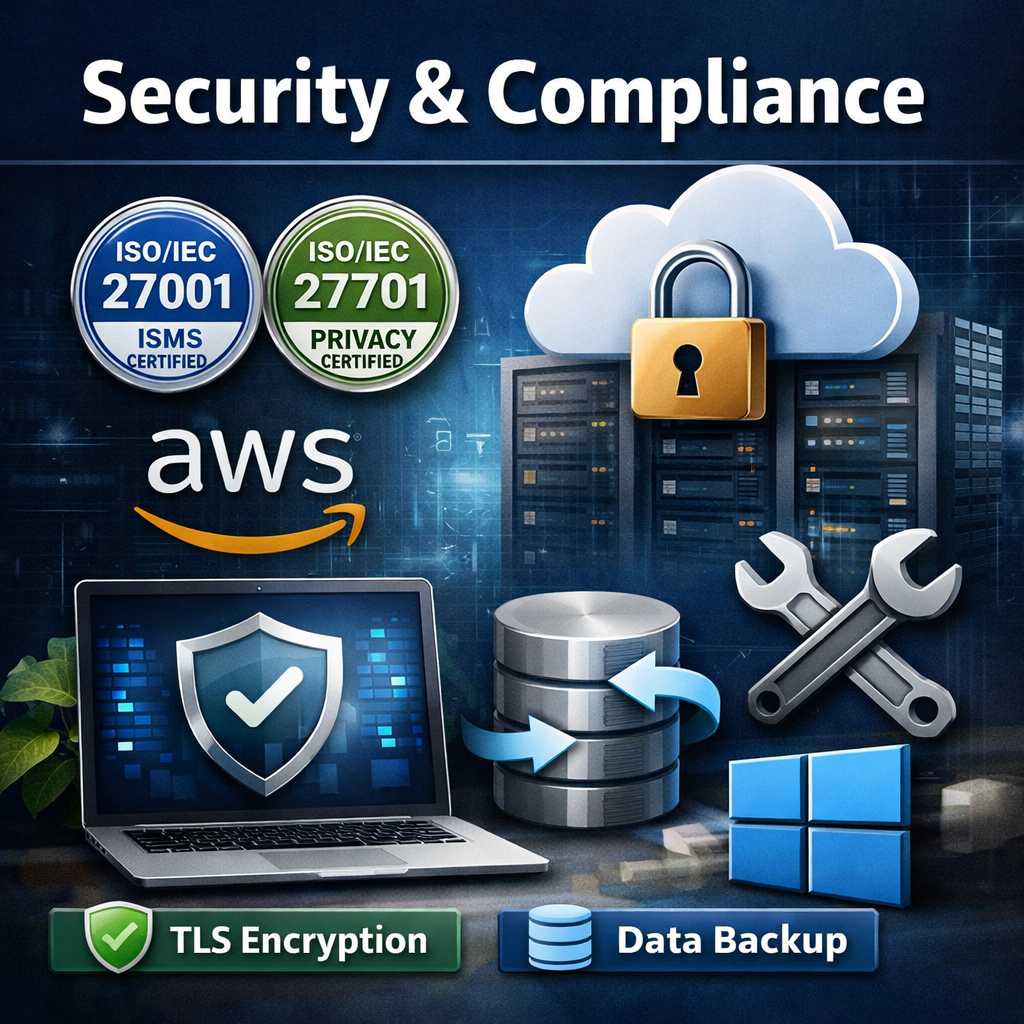
Vendor materials cite ISO/IEC 27001 (ISMS) and 27701 (privacy) for ZKBio Time; Cloud adds AWS infrastructure and TLS transport. On-prem buyers must still harden Windows, patch regularly, and back up databases.
Integrations & exports
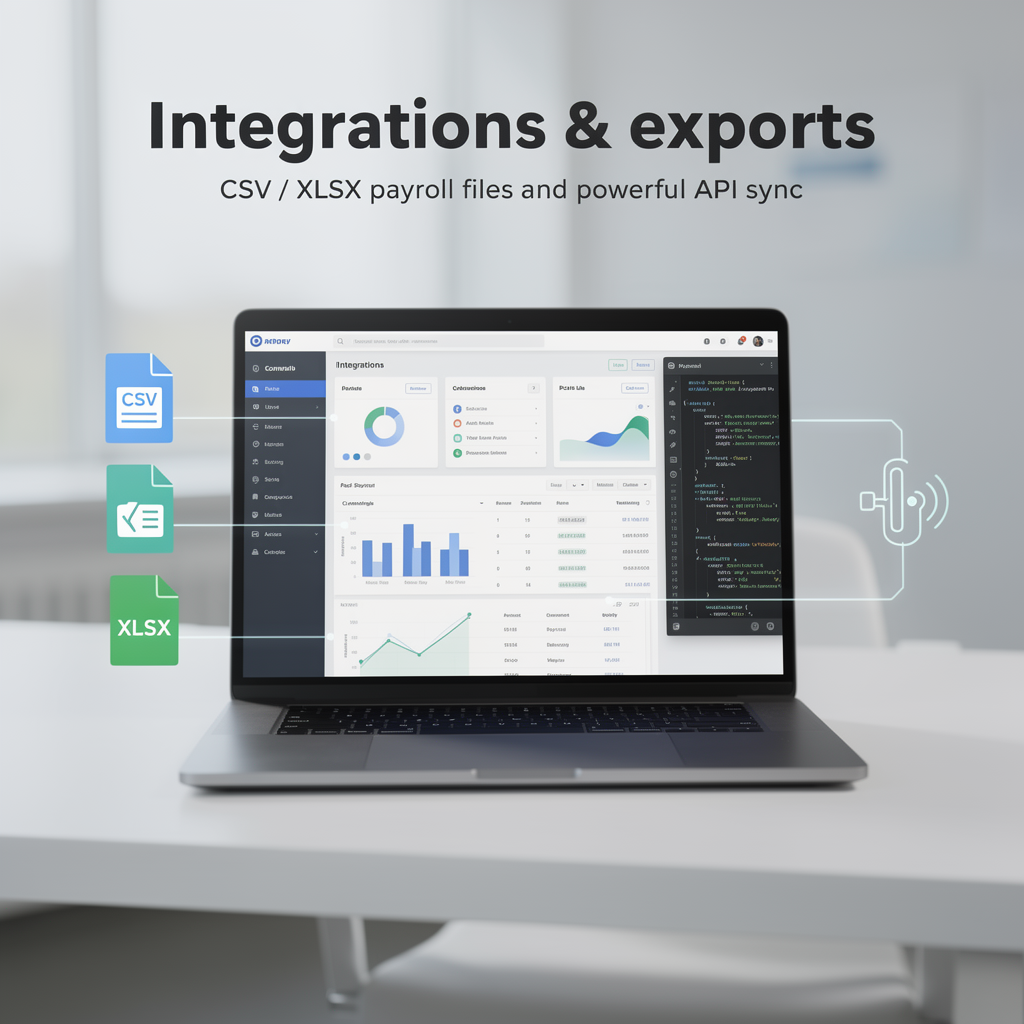
Both platforms output CSV/XLSX for payroll import. If you need programmatic sync, 9.0’s API gives you low-level control from your environment.
Features you’ll care about
Timetables, shifts, and exceptions
Both platforms handle standard time, flexible shifts, and exception reporting (late/early/missed). Cloud adds remote convenience; 9.0 keeps the same logic on-prem.
Mobile self-service
The ZKBio Time mobile app lets employees clock (where enabled by policy), view balances, and submit requests. In Cloud, this is native; in 9.0, you expose the on-prem server for the app.
Device compatibility
Modern terminals (e.g., SpeedPalm V5L) list ZKBio Time among supported back-ends; placement and lighting still matter, but WDR cameras on current models help with tricky entries.
Security and compliance
Vendor materials cite ISO/IEC 27001 (ISMS) and 27701 (privacy) for ZKBio Time; Cloud adds AWS infrastructure and TLS transport. On-prem buyers must still harden Windows, patch regularly, and back up databases.
Integrations & exports
Both platforms output CSV/XLSX for payroll import. If you need programmatic sync, 9.0’s API gives you low-level control from your environment.
Real-world signals
- ZKTeco’s public Cloud page highlights AWS hosting and multi-device access.
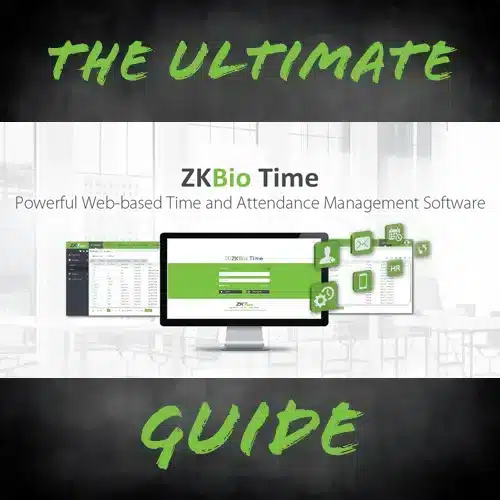
- ZKBio Time materials show the web-based interface and the common T&A toolset (timetables, schedules, reports) plus ISO claims.
- Example case (vendor site): enterprise T&A deployments (earlier versions) underline large-scale shift/schedule use with detailed reporting.
Recommendation
Cloud is usually the simpler choice if you don’t need to keep data on your own servers, because there’s no server setup or maintenance. If you need all data kept in-house, 9.0 is still a powerful on-prem option.
Implementation notes
Keep a single IN/OUT flow per doorway to reduce queues and improve exception accuracy.
Map your export template once and save it; this keeps the “assist payroll” hand-off consistent every pay run.
For biometrics, capture face + palm (or other second factor) for frequent users; retain card/PIN as a contingency.
FAQs
Yes—create groups with validity windows and separate reporting. (Cloud or 9.0)
Yes. Cloud scales without extra servers; 9.0 scales with your VM/DB sizing.
For self-hosted 9.0, there’s a published ZKBio Time API for ERP/HR synchronisation.
Learn more
ZKBio Time Cloud product page (NZTeco): https://www.nzteco.co.nz/product/zkbio-time-cloud-attendance-software/
ZKBio Time 9.0 product page (NZTeco): https://www.nzteco.co.nz/product/zkbio-time-9-0-time-attendance-software/